FOR CLOTHING BRANDS & SMALL SHOPS
AI fashion photography starts with a better brief
Bring your garment and an authorized adult model photo, plan one scene, then check each candidate against the real item. Use AI to explore visual directions while keeping product accuracy in human hands.
Open the studioSign-in required. Bring a person photo and garment references.
See the workflow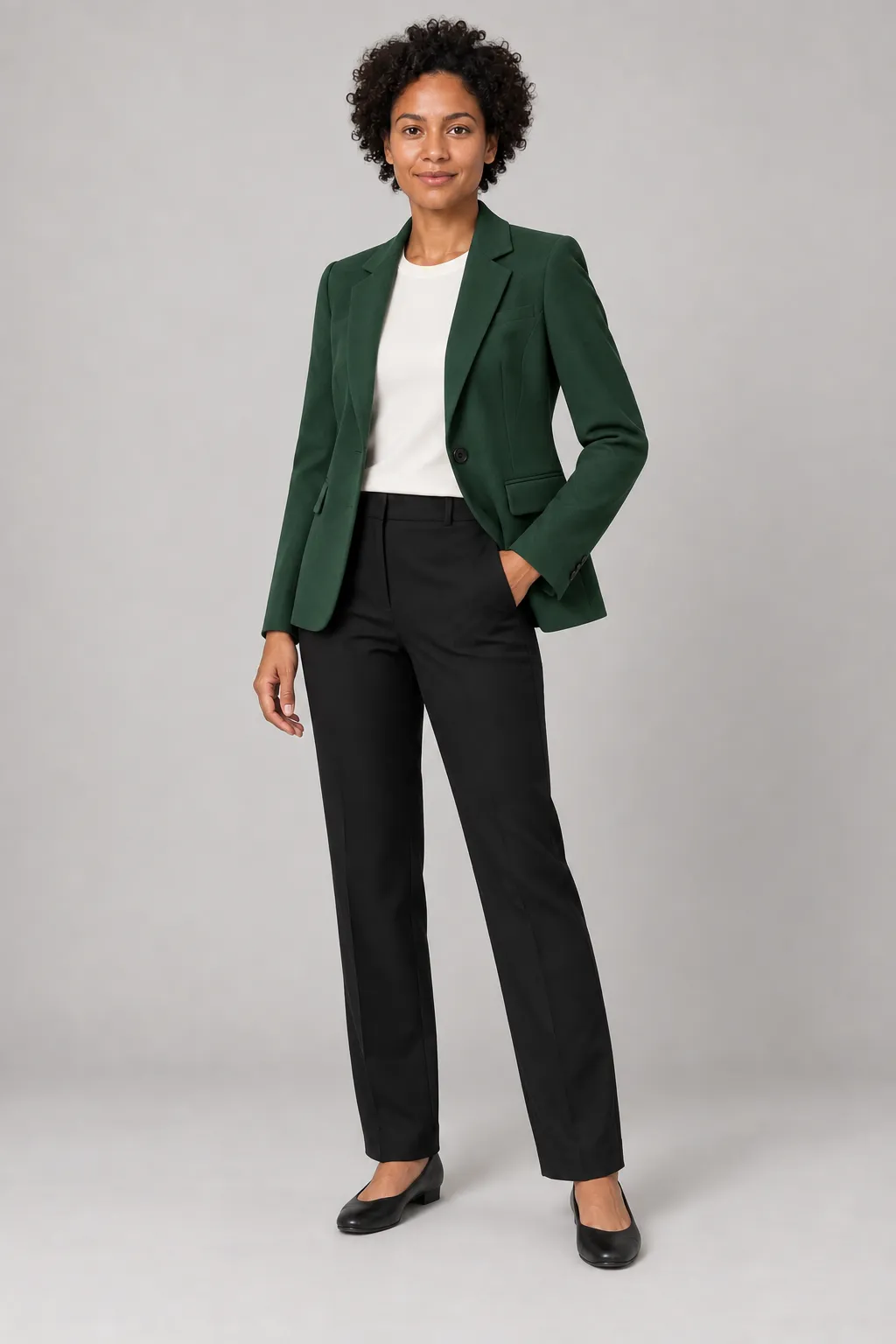
01 / PREPARE THE INPUTS
Start with the item you actually sell
A useful clothing brief begins with reliable reference photos. The two examples below are synthetic; replace them with images you have the right to use.
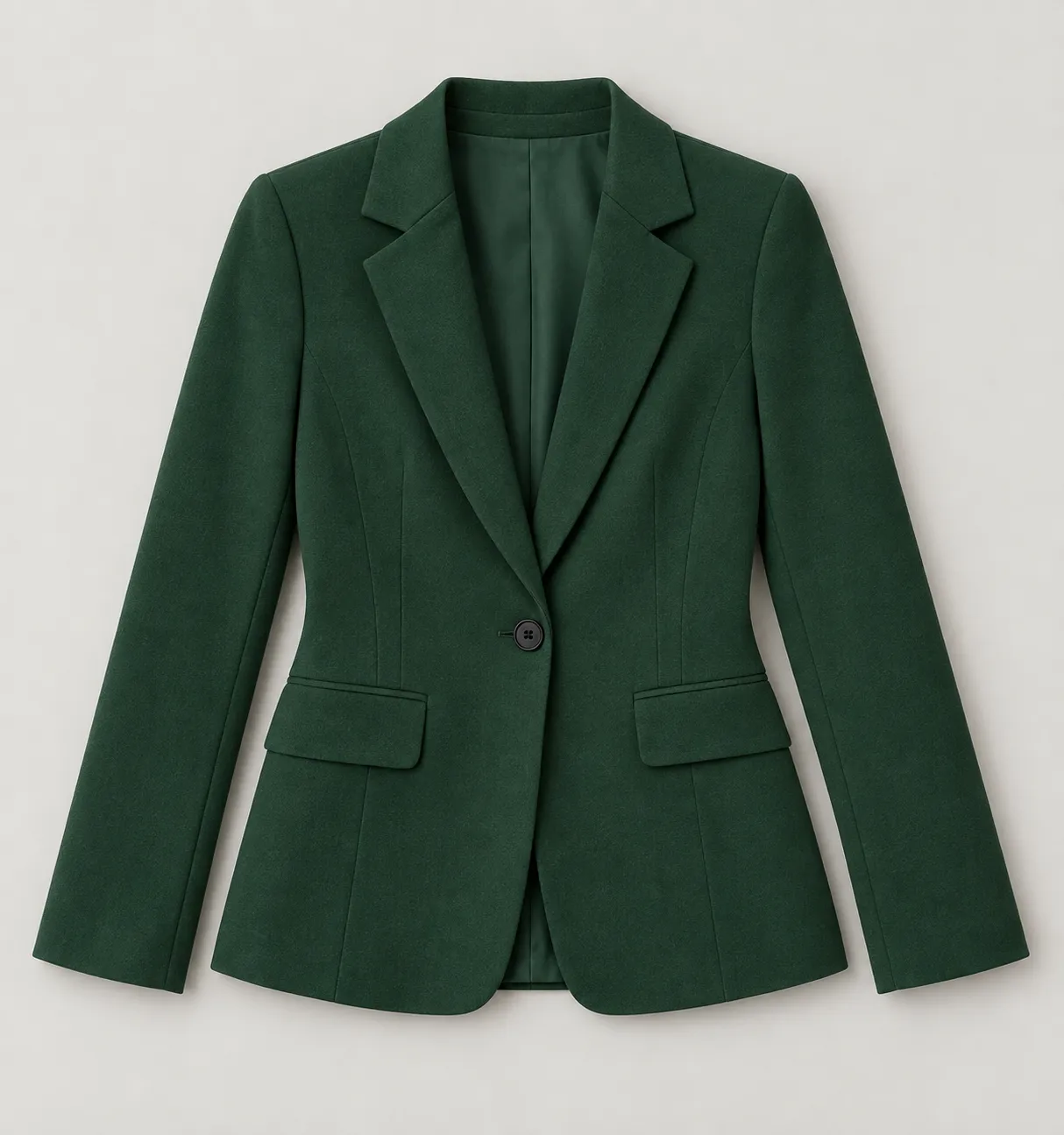
The garment
Photograph the actual item clearly: front, back, fastenings, texture and any labels or details buyers need to judge.
AI-generated reference illustration, not a customer photo.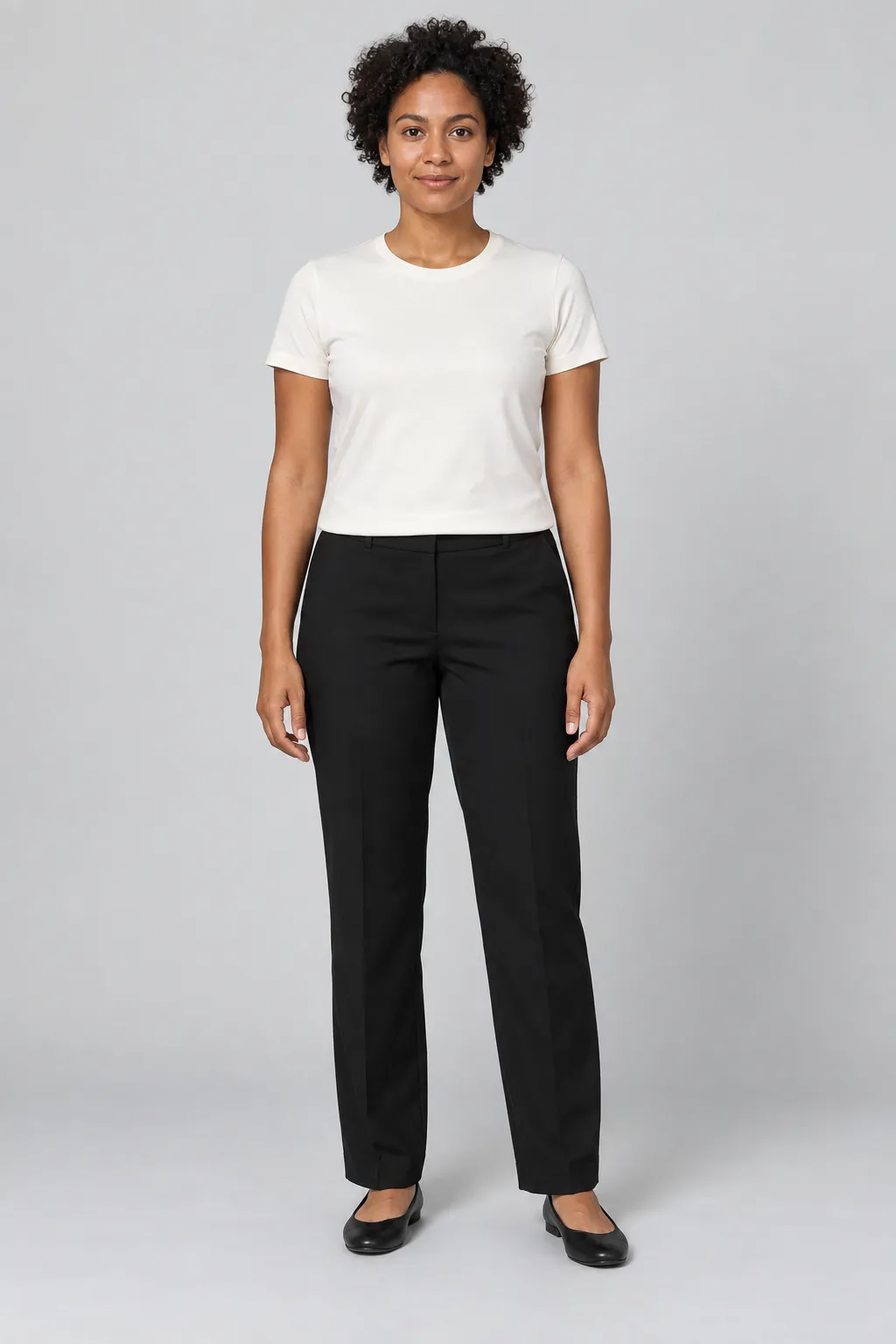
The adult model
Use an adult person photo you own or have permission to use. Keep the body and clothing area visible.
AI-generated reference illustration, not a customer photo.02 / MAKE A CREATIVE BRIEF
Work through one scene at a time
Choose the edit
Use the studio’s clothing or scene workflow that fits your inputs. Upload the original person and garment images to their separate slots.
Describe the scene
Specify a simple backdrop, lighting and framing. Keep the product visible; request a few variations instead of changing every variable at once.
Review candidates
Compare each image with the source item and model reference. Export only the candidates you have checked and are permitted to use.
The illustrated green-blazer scene was generated independently for this guide. It does not demonstrate the output of these steps in TryOnSwap.
03 / BEFORE YOU PUBLISH
Check the picture against the product
Shape and construction
Compare collar, seams, pockets, buttons and overall silhouette with the physical garment.
Color and surface
Inspect fabric color, texture, prints and any words or logos. An AI image can change or invent these details.
People and scene
Check hands, face, proportions, lighting and background. Keep only images you have reviewed and have rights to use.
Keep real product images for details an AI image cannot verify. A visual preview is not a fit, size or material measurement.
AI fashion photography questions
Are these images TryOnSwap results?
No. The garment, model and scene images were generated outside TryOnSwap as teaching examples. The scene is a concept illustration, not an output from the two references or a customer case.
Can I create a fashion shoot from a text prompt alone?
The current studio uses uploaded person and garment images as references. Start with clear, authorized photos; a text prompt alone is not the workflow shown here.
Can I publish an AI image as an exact product photo?
Do not assume it exactly represents the item. Compare material, cut, color, labels and other details against real product photographs before deciding where it is suitable.
Will AI photography reduce returns or guarantee compliant listings?
No. This guide makes no claim about return rates or marketplace approval. Use the rules of each sales channel and keep accurate product photography available.
FROM REFERENCE TO REVIEW
Prepare the garment. Test a direction. Check the result.
Open the studioYou will sign in before uploading and generating.