Original person
The starting photograph for the image. Use a clear photo with the body and clothing area you want to work on visible.
Model photoA DIFFERENT PERSON. YOUR CLOTHING BRIEF.
Start with the right three references.
Prepare a different adult person for a clothing-image edit using the studio’s replacement reference. Bring an original person photo, a separate garment image and a consenting target-person photo, then inspect the generated result carefully.
Open the studioSign-in required. Choose Outfit swap, then add Replace the model.
See the input checklist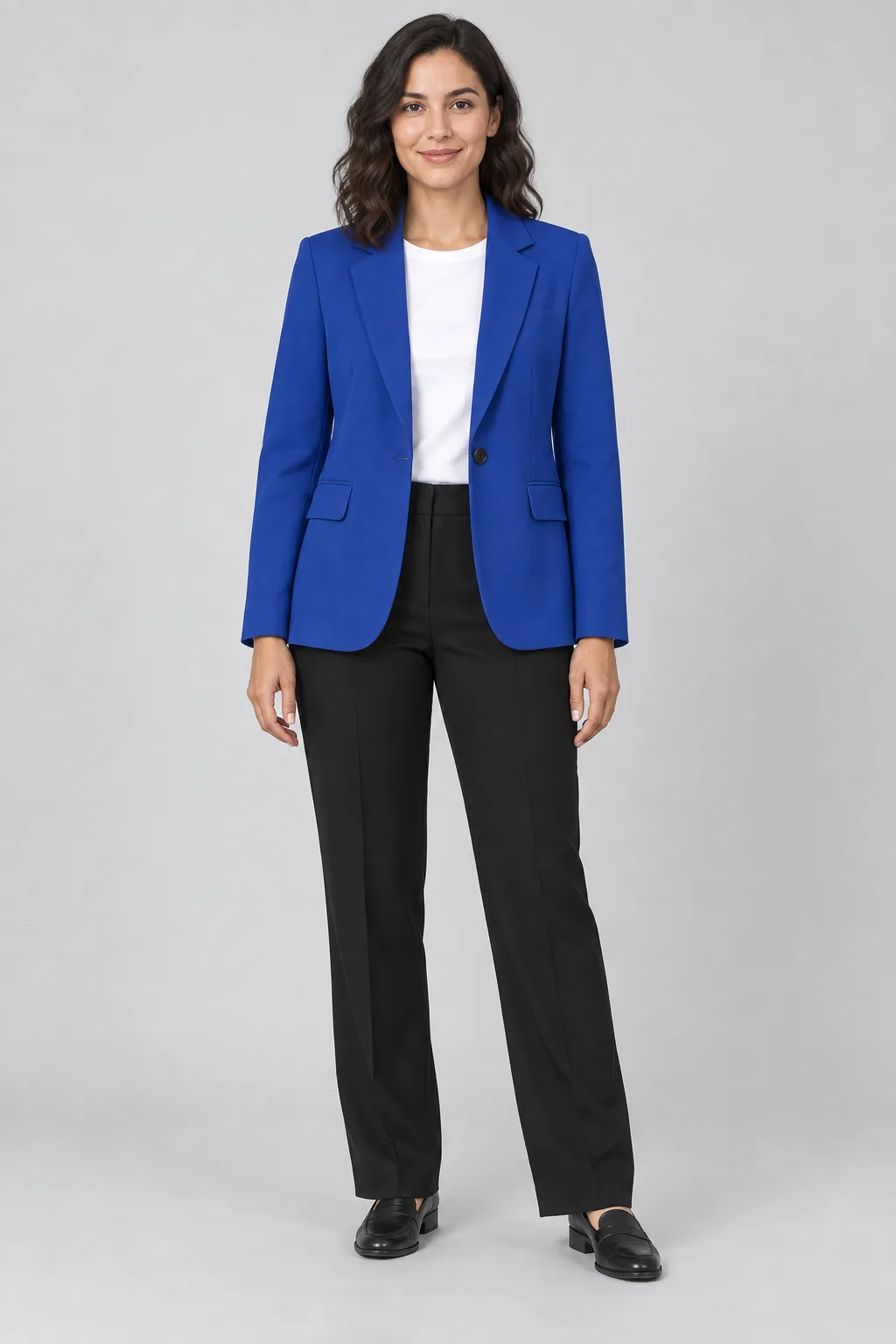 Original personModel photo
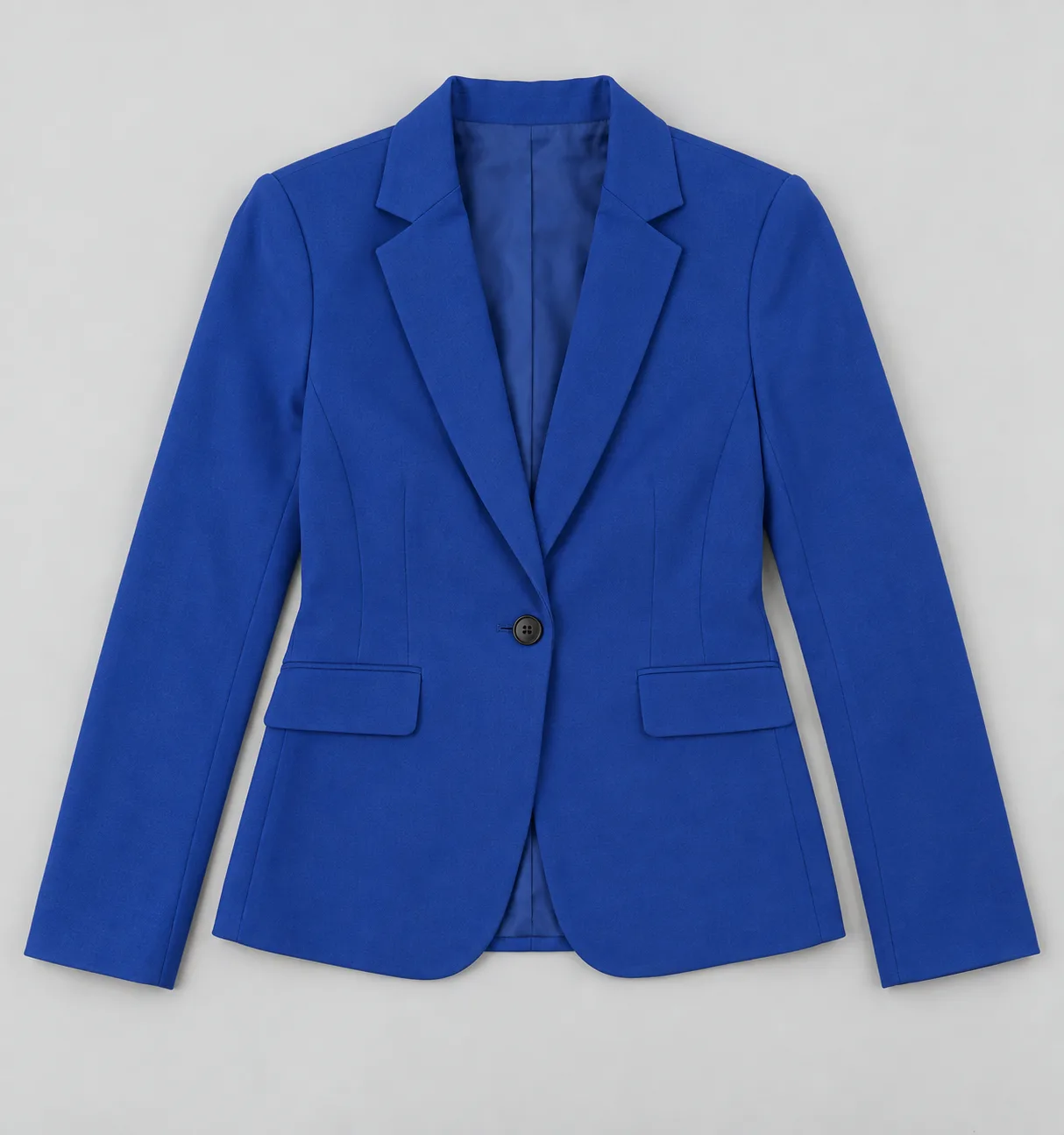 Clothing referenceGarment photos
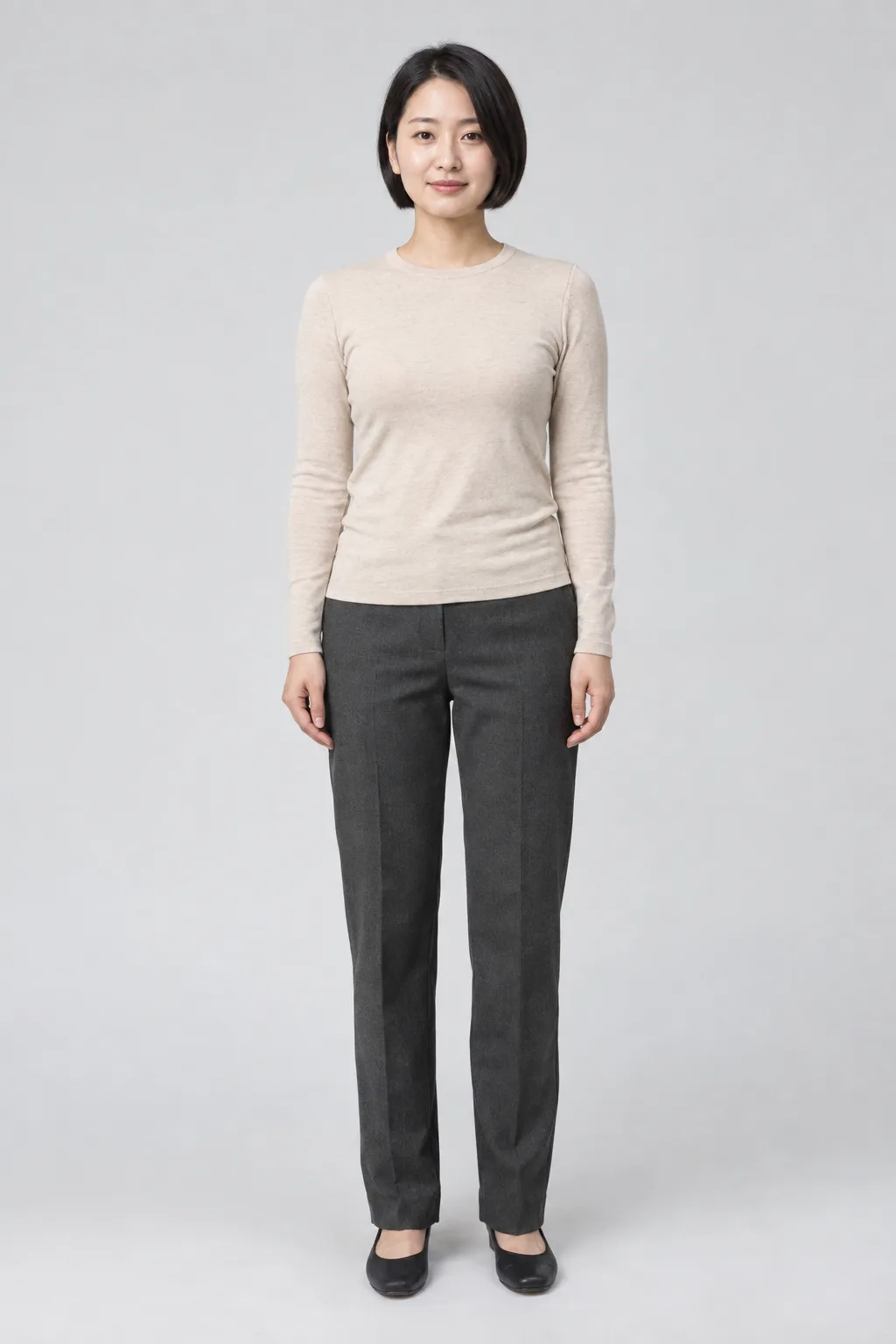 Target personReplace the model
Keep the original person and target person in separate slots.
ILLUSTRATION ONLY
This separate AI-generated image illustrates the idea of the target person wearing a similar blue blazer. It was created outside TryOnSwap and is not a result from the three sample inputs above.
Actual outputs may differ. After a real generation, compare the person, garment and scene against your references before using the image.
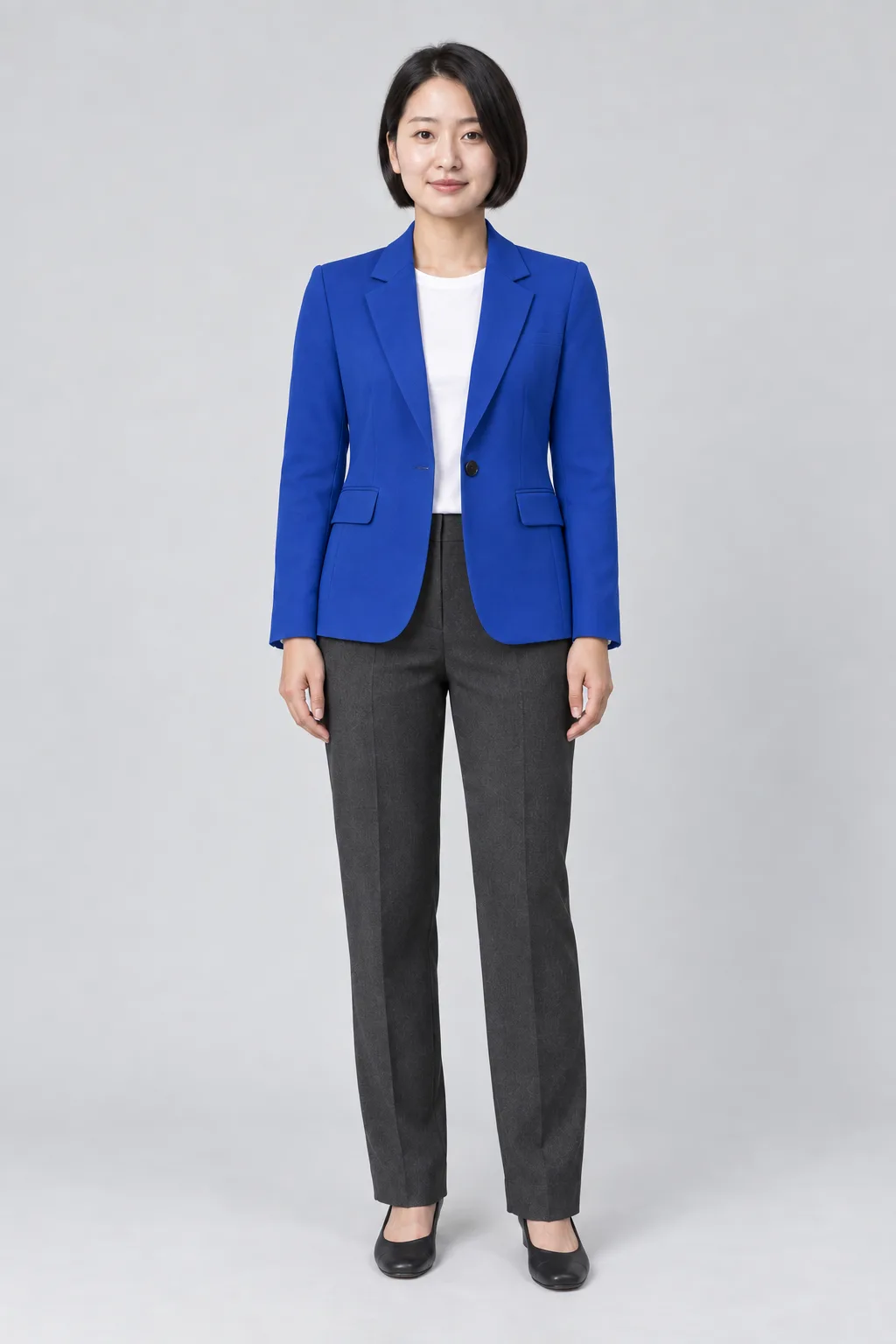
BEFORE YOU OPEN THE STUDIO
This is a reference-image workflow. It needs all three input types to request a model replacement; a single fashion photo or a text prompt is not enough.
The starting photograph for the image. Use a clear photo with the body and clothing area you want to work on visible.
Model photoAt least one separate clothing reference is required. Add the garment you want the target person to wear, even when clothing is already visible in the original photo.
Garment photosA photo of the different adult person you want to appear. Use an image you have permission to upload, including the person’s consent.
Replace the modelIN THE TRYONSWAP STUDIO
Open the studio and sign in. Select Outfit swap in the mode controls, then choose Top / bottom or One-piece to match the clothing references you plan to upload.
Put the starting image in Model photo. Add at least one garment image to Garment photos. Put the new person in Replace the model. These two person slots have different roles; check them before generating.
After uploading the replacement person, you can add a description to clarify your request. Check the image count and credit cost shown by the studio. The page does not preselect a mode or upload photos for you.
Compare the output with both person references and the clothing image. Keep a result only if the identity and garment details meet your needs. An AI request to preserve a face, pose or background is not a guarantee that the output will do so.
CHOOSE THE EDIT YOU ACTUALLY NEED
Start with a person photo and clothing references. Leave Replace the model empty when you are asking to keep the original person.
Explore the AI clothes changerAdd a target person in Replace the model as well as the original photo and garment references. The target photo tells the AI which person you want to use.
Review the three inputsFull look accepts separate clothing and accessory pieces. It also has a replacement-person option, but start with one clear task so the result is easier to review.
Explore the AI outfit generatorKEEP A HUMAN EYE ON THE DETAILS
Use a generated image as a candidate to inspect. Faces, body proportions, fabric, logos, poses and backgrounds can change.
Compare the face, skin tone, hairstyle and proportions with the target reference. Do not assume that a completed job means the intended identity is correct.
Check shape, color, seams, prints, fastenings and text against the garment photo. An AI image does not prove fit, sizing or the exact appearance of a physical item.
Look at hands, pose, lighting and the background. A model replacement request can affect these parts of the original image as well.
An entry-level 1K image costs 4 credits. New accounts receive 12 sign-up credits. Image count and output settings affect the total; use the cost shown in the studio before submitting.
See credit packsThe studio has a Replace the model input in Outfit swap and Full look. It sends your target person as a separate reference. You also need the original person photo and at least one garment reference. Review the actual output for identity and clothing changes.
No. This workflow requires a clothing reference as well as the original person and target person images. It is not a one-image model replacement tool.
Use Replace the model for the person you want in the output. Model photo is for the starting image. Keeping those roles separate helps you give the intended instructions.
No exact-preservation guarantee is made. The request asks the AI to use your references, but faces, garment details, pose and background can change. Compare the generated image with your inputs before sharing it or using it for a product listing.
This page covers still images with an uploaded target-person reference. It does not describe a text-only fashion model generator or a video face-swap feature.
No. The three references and the separate concept illustration were AI-generated outside TryOnSwap. This page explains the workflow; it does not show a verified TryOnSwap input-and-output result.
Sign-in required. Choose Outfit swap, then add Replace the model.