CHANGE ONE DRESS, KEEP THE DECISION YOURS
AI dress changer
See a visual direction for a dress on your own photo. Bring a person picture and the specific dress reference, then use the One-piece workflow in TryOnSwap to request a candidate image.
Open the studioSign-in required. Review the credit total before generating.
How to prepare your photos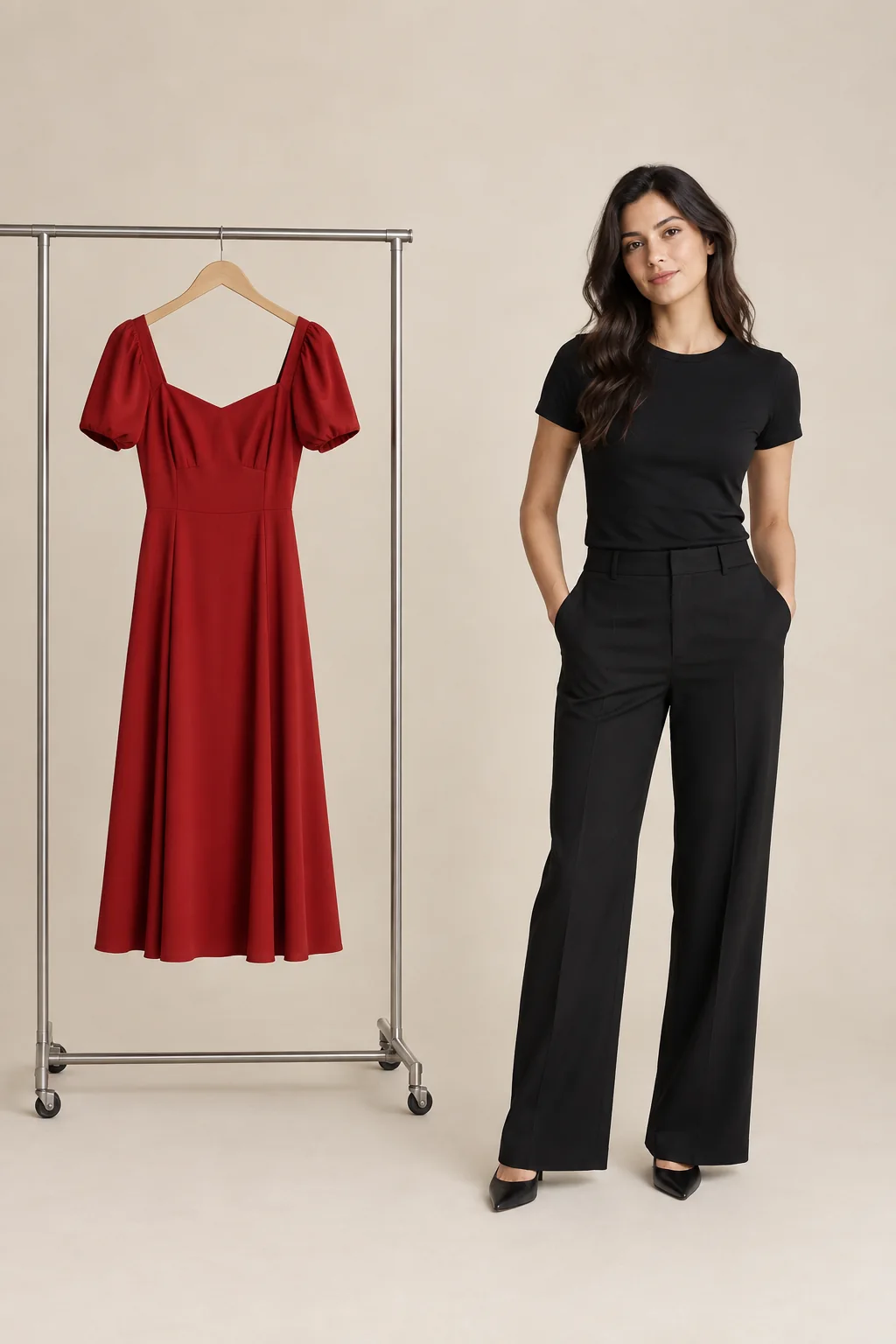
THE ONE-PIECE WORKFLOW
Change a dress in a photo, step by step
- 01
Choose a person photo
Use a clear, well-lit adult photo you own or have permission to use. A full-body view helps you inspect the dress silhouette and hem.
- 02
Add a dress reference
In the studio, choose One-piece and add a front photo of the dress. A clean product or garment photo makes the neckline, waist and print easier to compare.
- 03
Set the kind of change
Choose Swap the outfit if you want to request a clothing edit in the existing photo. New photo in a scene asks for a new setting as well. Choose the image count and review the displayed credit cost.
- 04
Review the generated image
Compare the result with both inputs. Check face, neckline, sleeves, waist, hem, pattern and background. Adjust one clear instruction at a time if something changes unexpectedly.
What makes a useful dress preview?
Treat the picture as a visual draft. The closer you inspect it against your actual garment reference, the more useful it becomes.
Silhouette
Check neckline, sleeve shape, waist seam and hem. A changed silhouette can make the image show a different dress.
Color and print
Compare the hue and pattern with the source in similar light. Generated color is not proof of the physical fabric.
Person and scene
Check face, hands, pose and background, especially when you asked to preserve the original photo.
AI dress changer questions
Can I change a dress in an existing photo?
Choose Swap the outfit, then supply a person photo and a dress image in the One-piece input. This requests a clothing edit; it cannot guarantee every other pixel remains identical.
Do I need an image of the dress?
Yes. This workflow needs a dress reference as well as a person photo. The illustrative image on this page is not a product output or a garment catalog.
Will the result tell me what size to buy?
No. AI image generation does not measure your body or prove physical fit, comfort, fabric drape or exact color. Check the seller’s garment measurements and return policy.
Is the guide image a TryOnSwap result?
No. The pictured person and red dress were generated outside TryOnSwap to demonstrate the two inputs. No dressed result is shown or claimed.
What does it cost to generate?
You need to sign in. Generation uses credits; the studio shows the total after you choose a model, resolution and number of images. Check that total before generating.
START WITH YOUR OWN REFERENCES
See a dress direction on your photo
Use the One-piece workflow, then compare your visual candidate with the dress you actually have in mind.
Open the studioSign in and check the credit total before generating.