
A SMALL LOOKBOOK, BUILT ON PURPOSE
Fashion lookbook examples you can actually plan from
One fictional green-blazer outfit. Three photographs. Three ways to order them for a product story, an editorial story, or a launch teaser. Use the structure for your own clothing, not the pictured item as a product reference.
Explore the layouts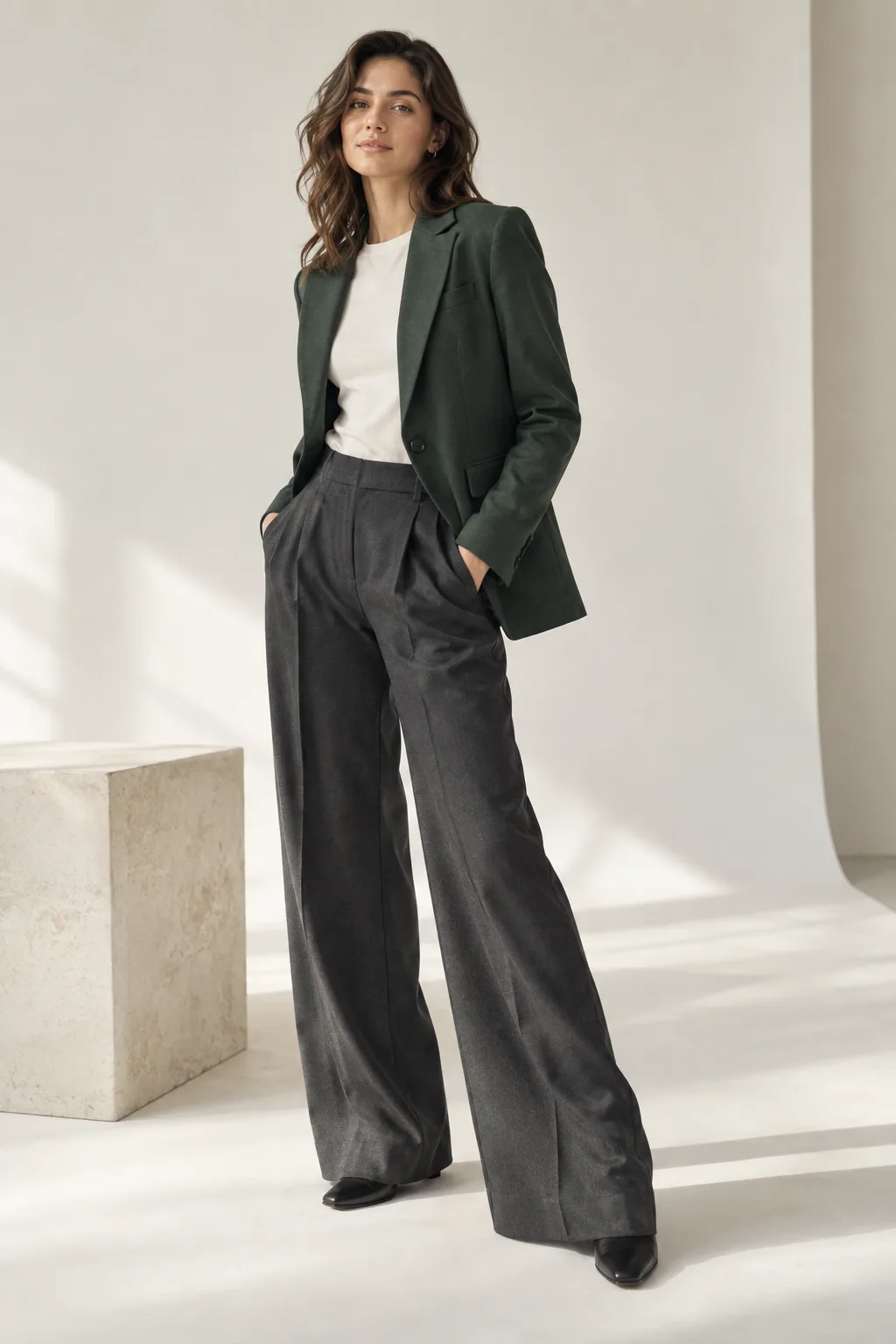
THE SHOT LIST
One outfit, three useful frames
A small lookbook does not need a huge shoot. These three views establish silhouette, setting and detail. The pictured garment is fictional; inspect real item details before making any sales claim.
Show the full silhouette first so a reader understands the outfit at a glance.
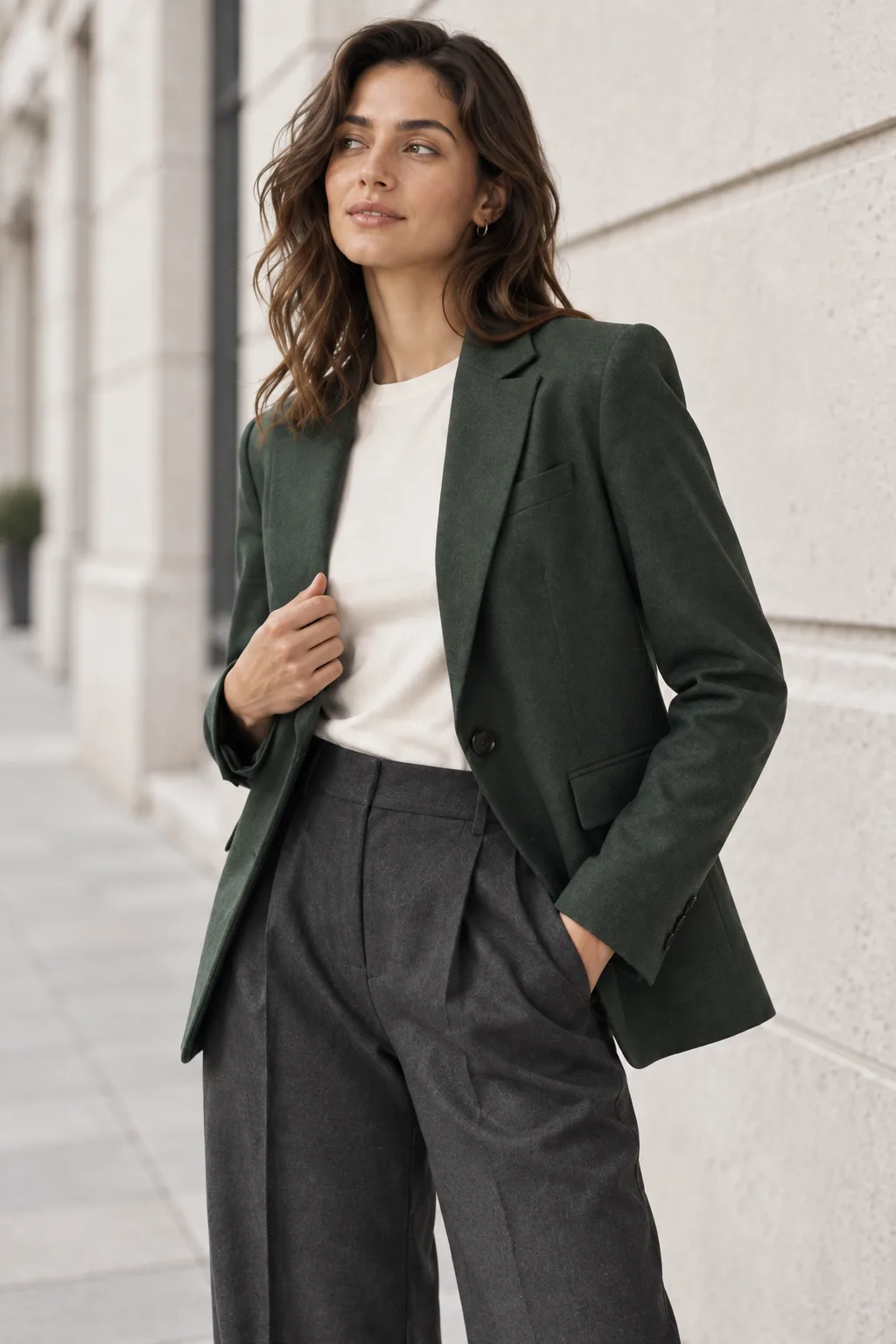
Move closer and change the context while keeping the hero garment recognizable.
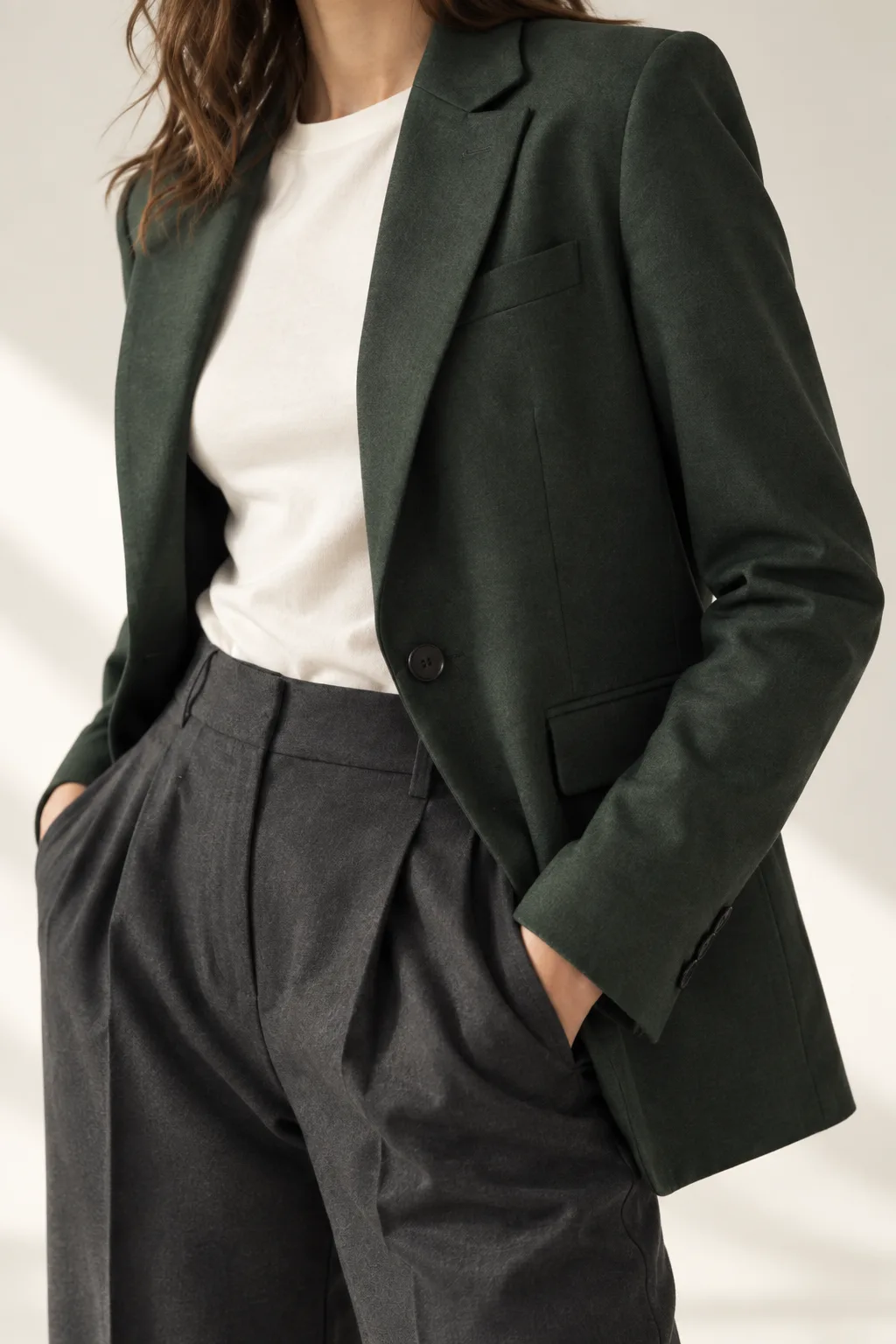
End on a material or construction question, then verify it against a real product photo.
THREE LAYOUT EXAMPLES
Change the order, change the story
Each example uses the same three synthetic frames. The difference is the page order and the job that order does. This is a layout demonstration, not three customer campaigns.
EXAMPLE 1
The product-first page
Full look → detail → street crop
For a small shop that wants the garment shape and construction to lead. Place actual product facts beside real photographs, not beside an unchecked AI detail image.
EXAMPLE 2
The editorial story
Street crop → full look → detail
For a seasonal mood board. Start with atmosphere, reveal the outfit, and finish with the tactile close-up. Keep the item easy to identify throughout.
EXAMPLE 3
The launch teaser
Detail → street crop → full look
For a short reveal sequence. Show a texture or cut first, then a context, then the complete look. Do not hide a material difference in the reveal.
MAKE YOUR OWN
Start with a brief, then make a sequence
TryOnSwap can help explore visual candidates from authorized person and garment references. It does not arrange a finished lookbook for you.
Open the studioSign-in required before uploading.
- 01
Choose one item and one audience
Write down the garment, intended buyer and feeling. A lookbook works better when its images answer the same brief instead of mixing unrelated scenes.
- 02
Make a shot list before generating
Plan a full look, a mid-shot and a detail. Keep a consistent garment reference and adult model permission for every frame.
- 03
Arrange and review
Try the three orders above. Check color, seams, buttons, logos and model identity against your authorized source images before using any candidate.
Lookbook questions
Are these real clothing-brand lookbooks?
No. This is a fictional teaching set made with independent image generation. The three layout examples show how to order a small set of images; they do not document a real brand campaign.
Did TryOnSwap generate the images on this page?
No. They were generated outside TryOnSwap. The studio can help you explore clothing visuals from authorized person and garment references, but these images are not evidence of a particular product result.
Does TryOnSwap export a finished lookbook?
No. The studio generates visual candidates. You still select, check, arrange and export the images in your own layout or publishing tool.
Can I use AI images as exact product photographs?
Do not assume the details match a physical item. Keep real product photographs available and compare color, construction, labels and fit before you decide where an AI visual is appropriate.