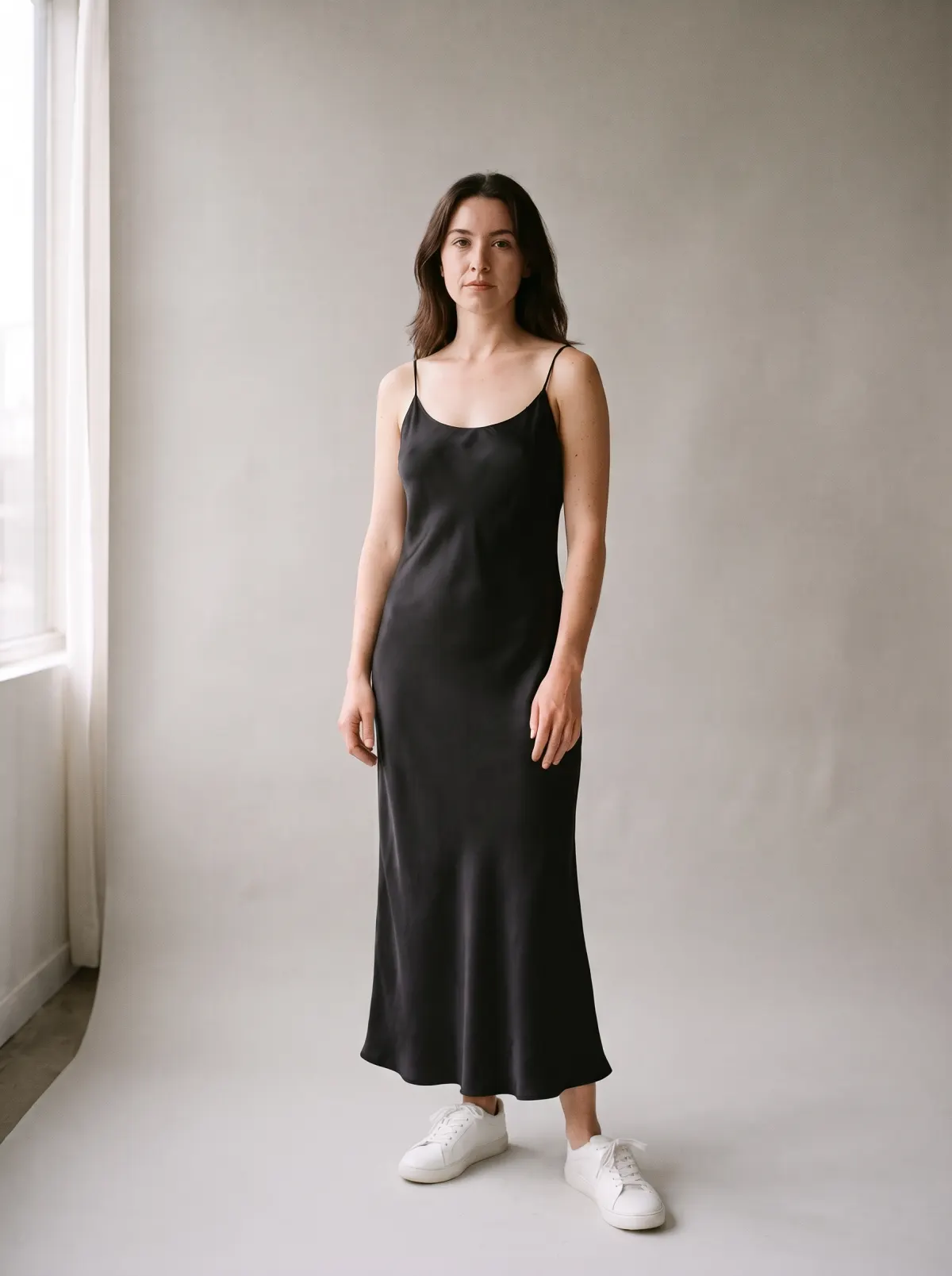
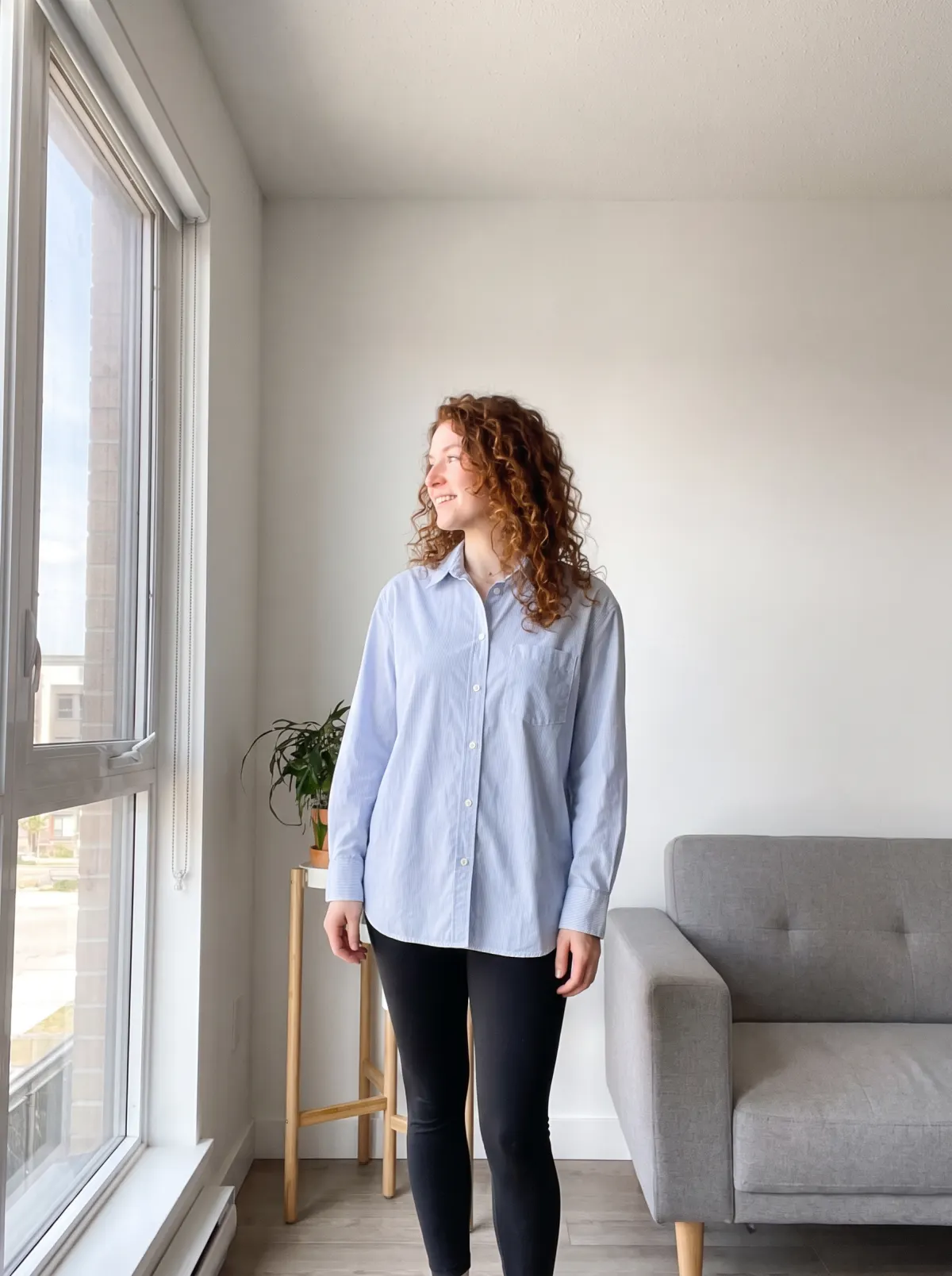
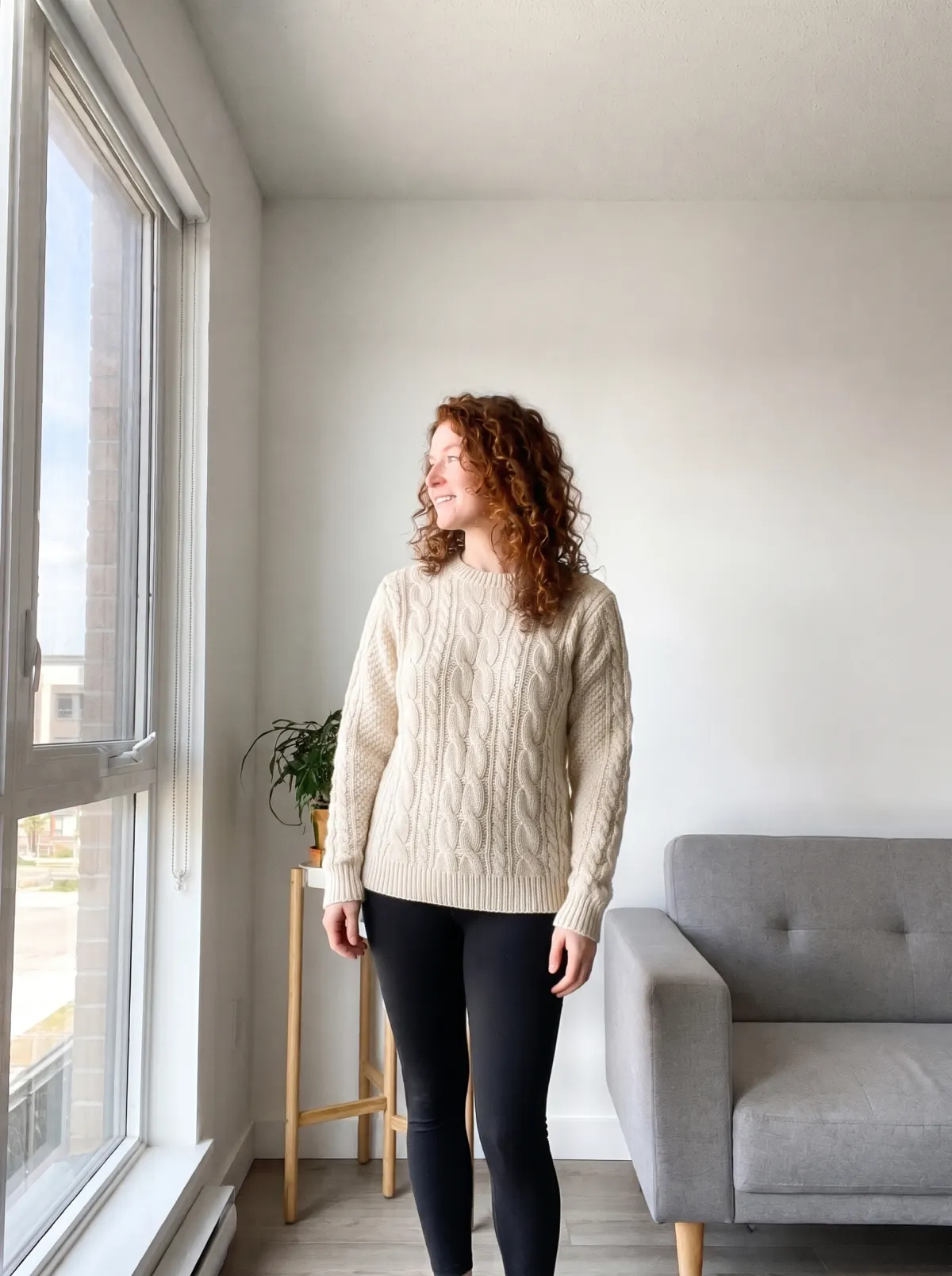
Upload a model photo and your garment images. TryOnSwap swaps the outfit, styles a full look, or re-shoots it in a new scene — usually in about a minute. Priced per image, no subscription.
Try up to 3 images free with 12 credits after email verification. New-account previews include a watermark; any credit-pack purchase unlocks original downloads.
JPG, PNG or WebP · up to 10 MB each. Photos stay local until you sign in. Continue saves a local draft valid for 30 minutes.
Who will wear it?
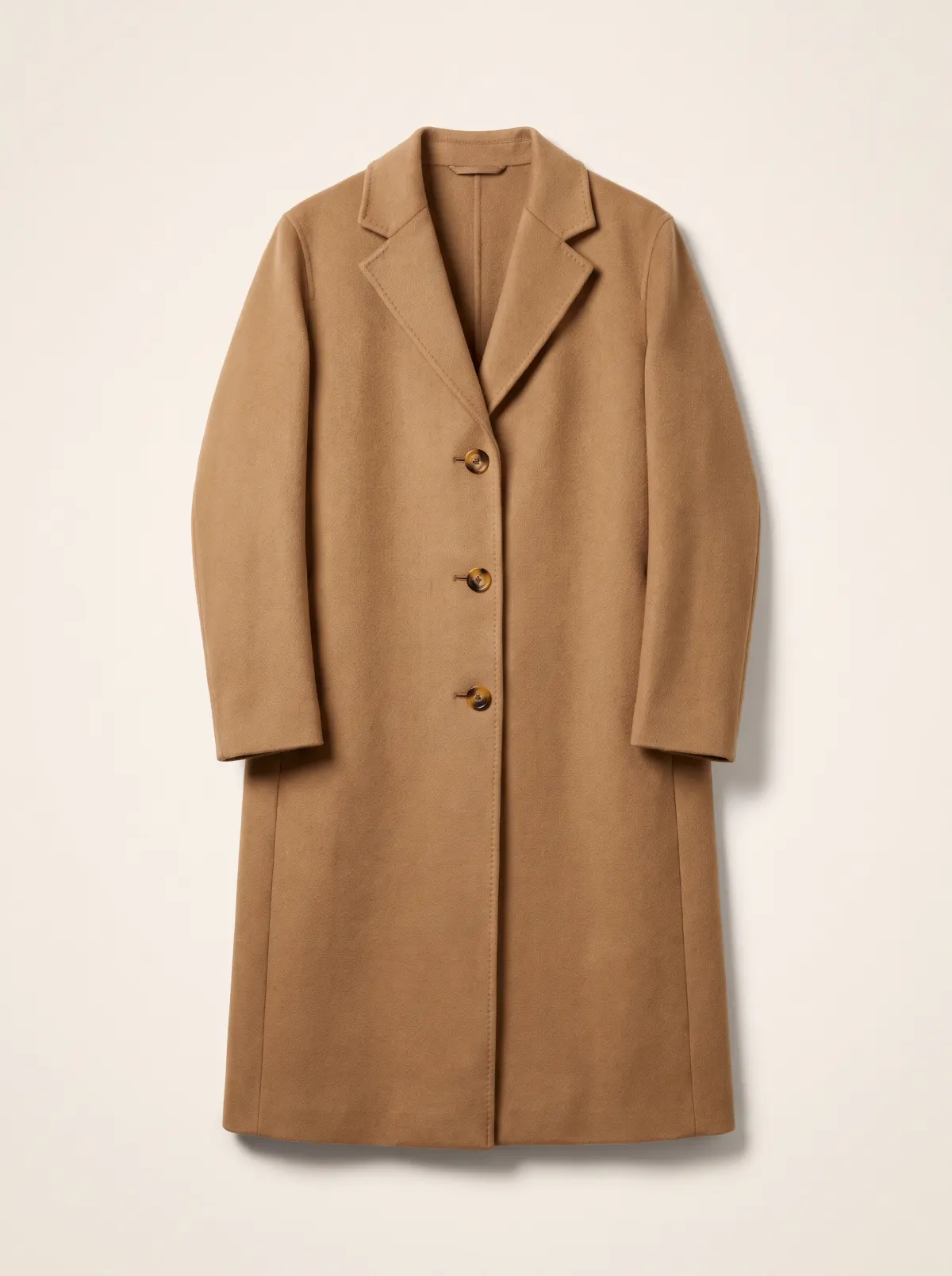
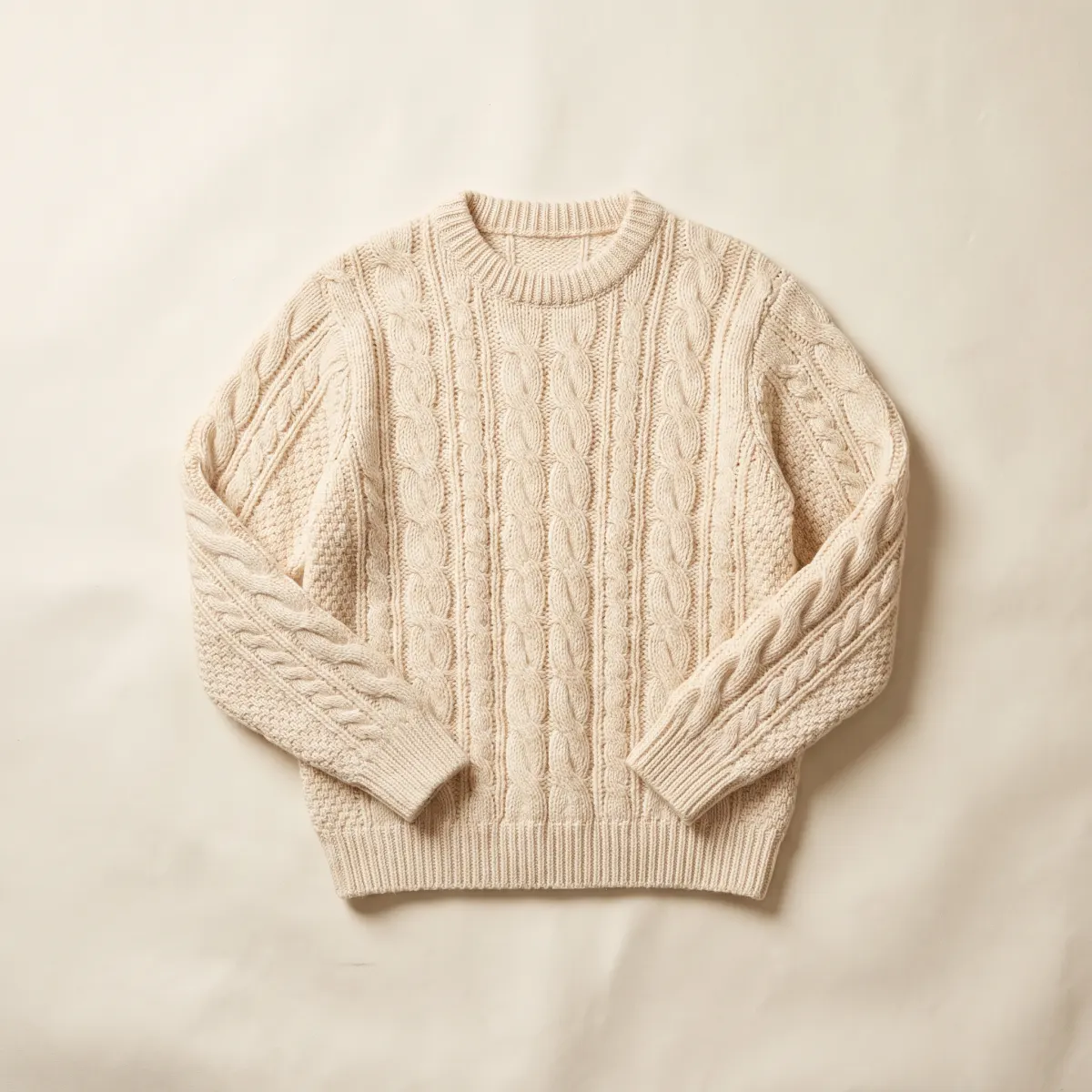
What will they wear?
Use the clothing from “What will they wear?” to dress the person in “Who will wear it?”.
Your new lookGenerated with TryOnSwapYour generated result will appear here.
Before you begin
Will this work for your photo?
TryOnSwap uses a person photo and clothing references. Here is what you need before your first try-on.
Can I try on clothes in my own photo?
Yes. Use a clear adult photo of yourself and a photo of the garment you want to wear. Swap mode changes the clothing in your existing shot. Review the face, pose and garment details in the result; it is a visual preview, not a fit or size measurement.
Can I use it on my phone without an app?
Yes. Open TryOnSwap in your phone’s browser and choose your person and clothing photos. No app installation is needed. Sign in to upload and generate; your results appear in your private library.
Can I try it free without an account?
You can explore examples and choose photos locally before signing in. Generating requires an account: verify your email for 12 free credits, enough for up to 3 basic images. Trial previews have a watermark; purchasing any credit pack unlocks original downloads.
Can I turn a flat lay into on-model product photos?
Yes. Add a clear flat-lay, hanger or mannequin photo of your garment and an adult model photo you have permission to use. A person reference is required; a garment photo alone is not enough. Check prints, logos and construction before using the result on Etsy, Shopify or your own store.
Three ways to change clothes in a photo
One model photo. Three kinds of try-on.
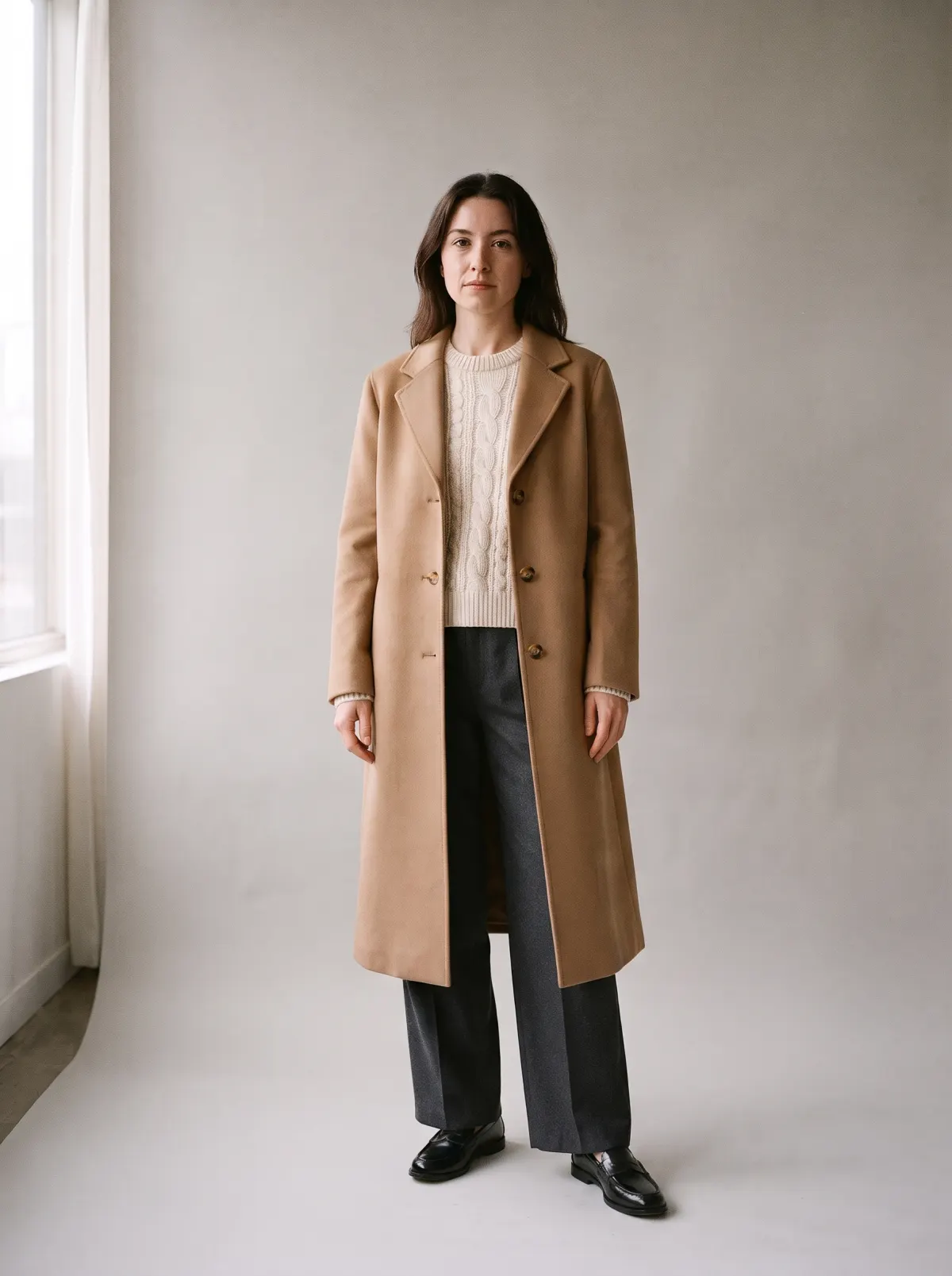
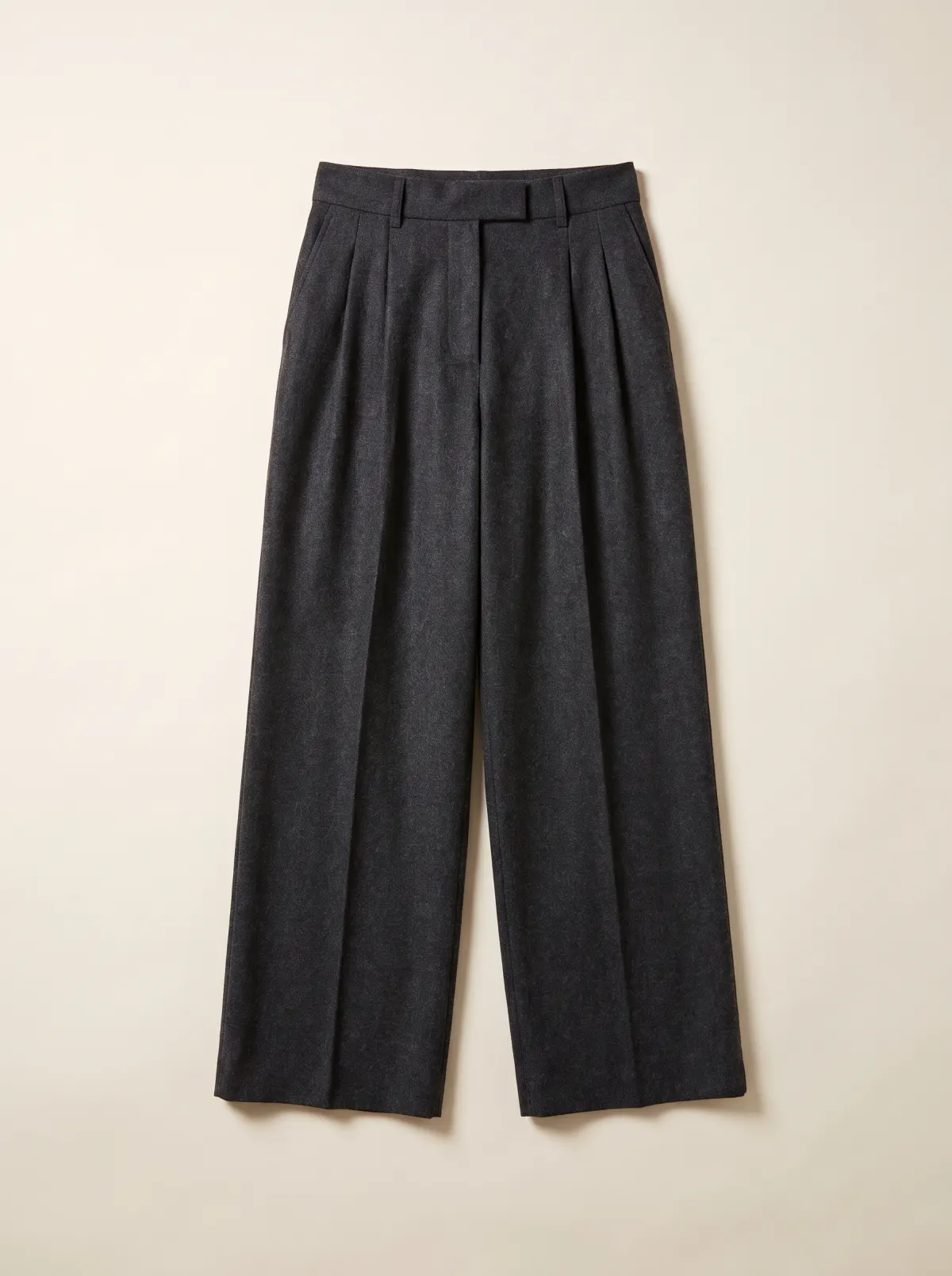
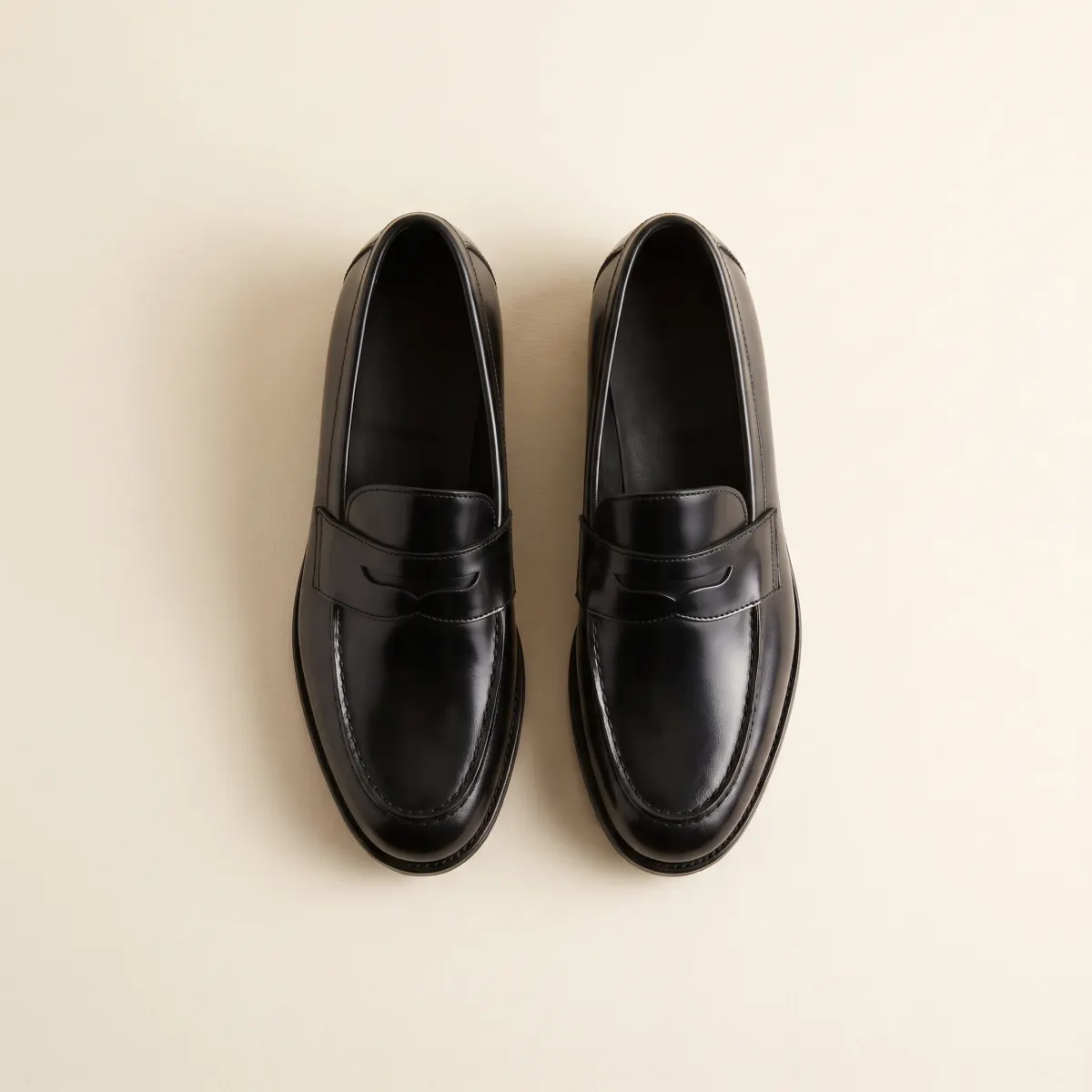
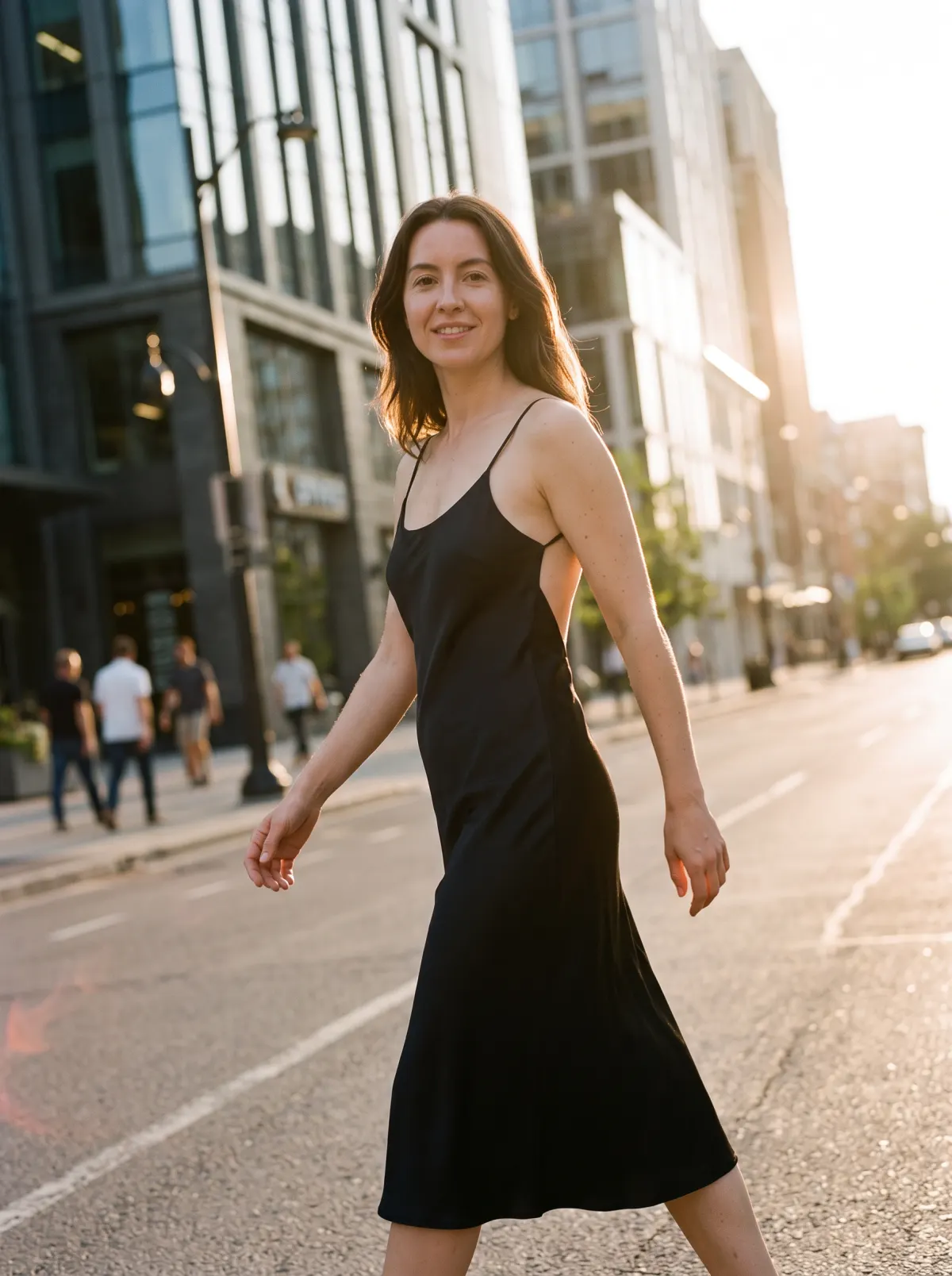
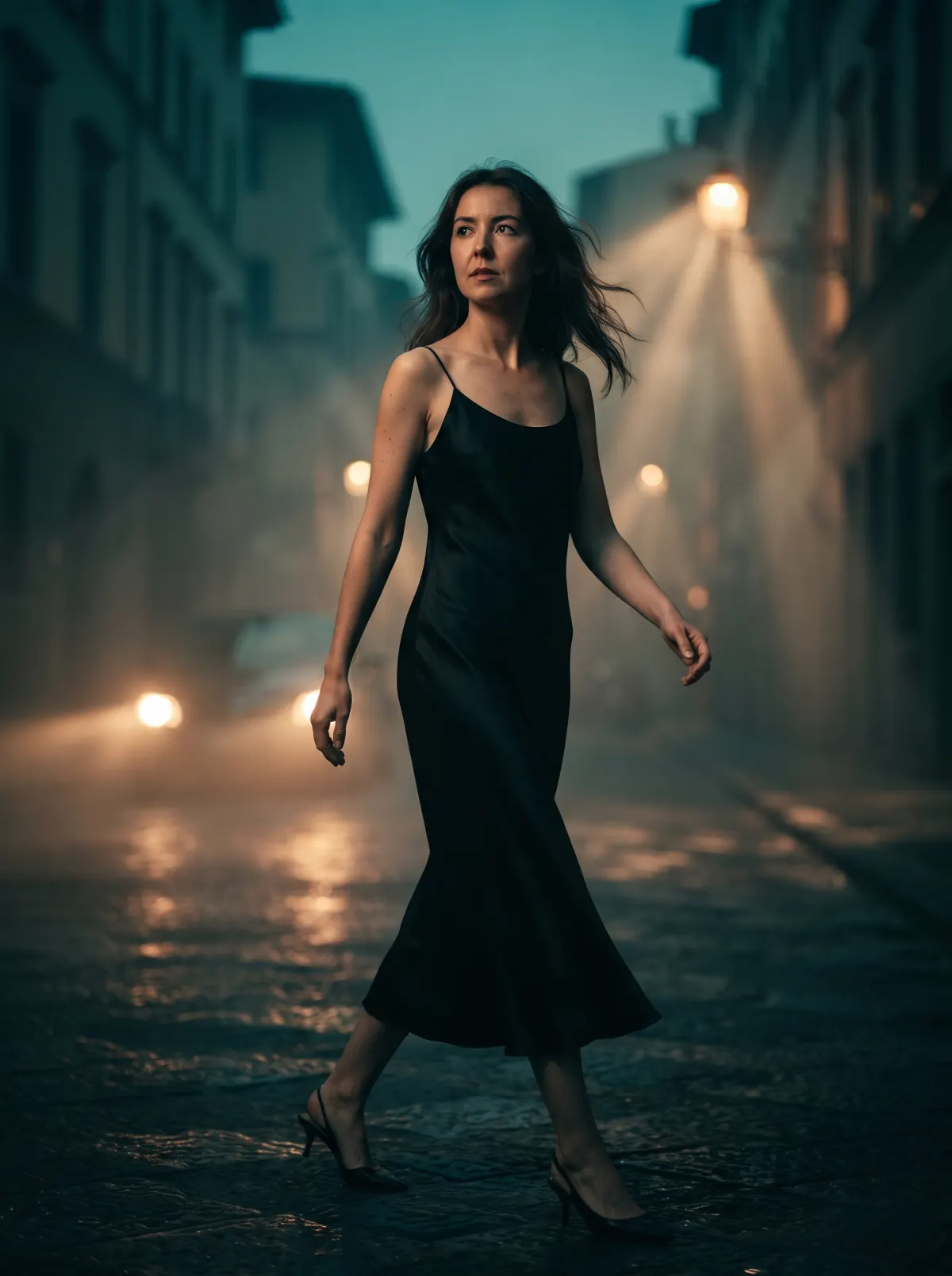
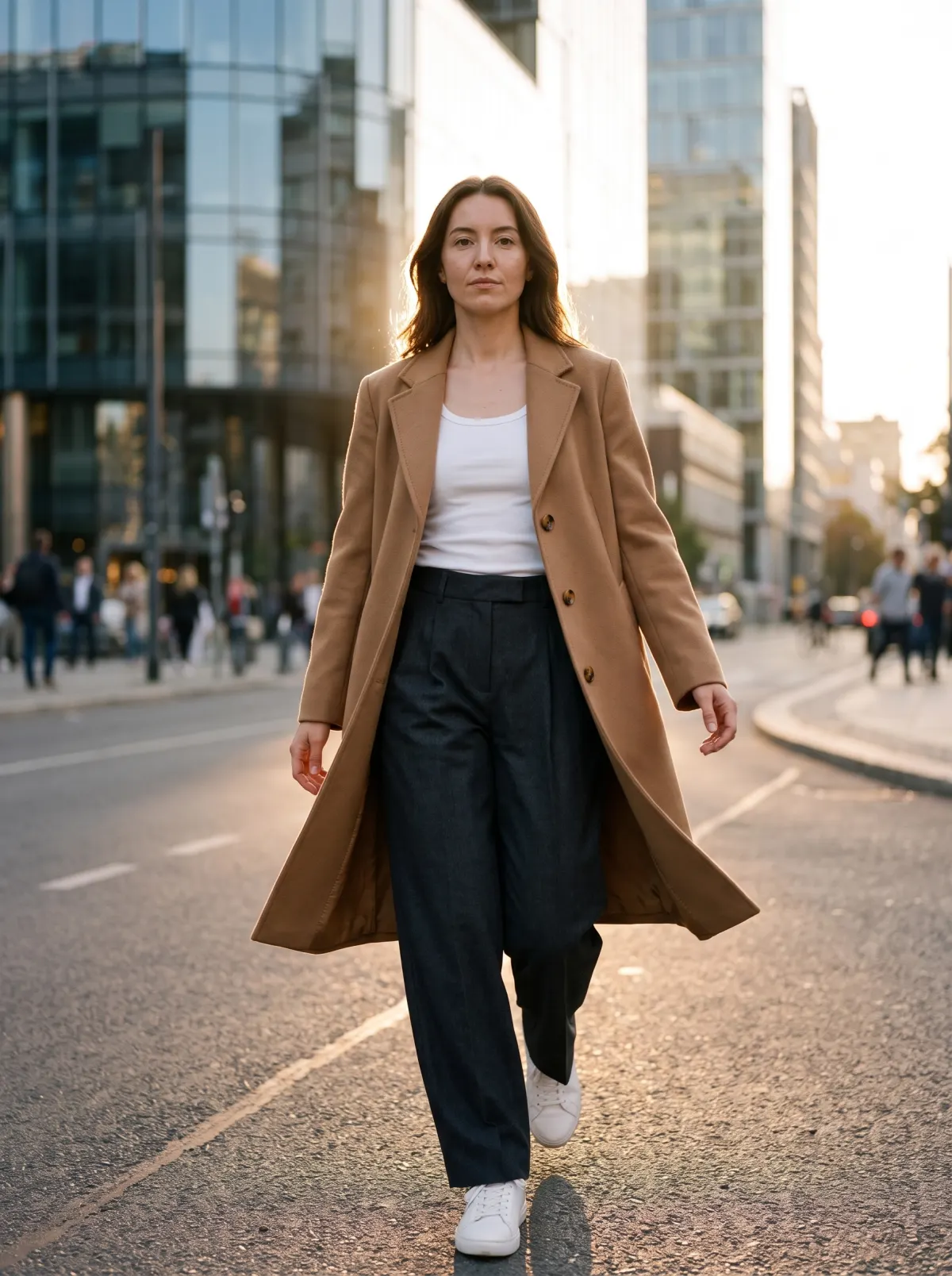
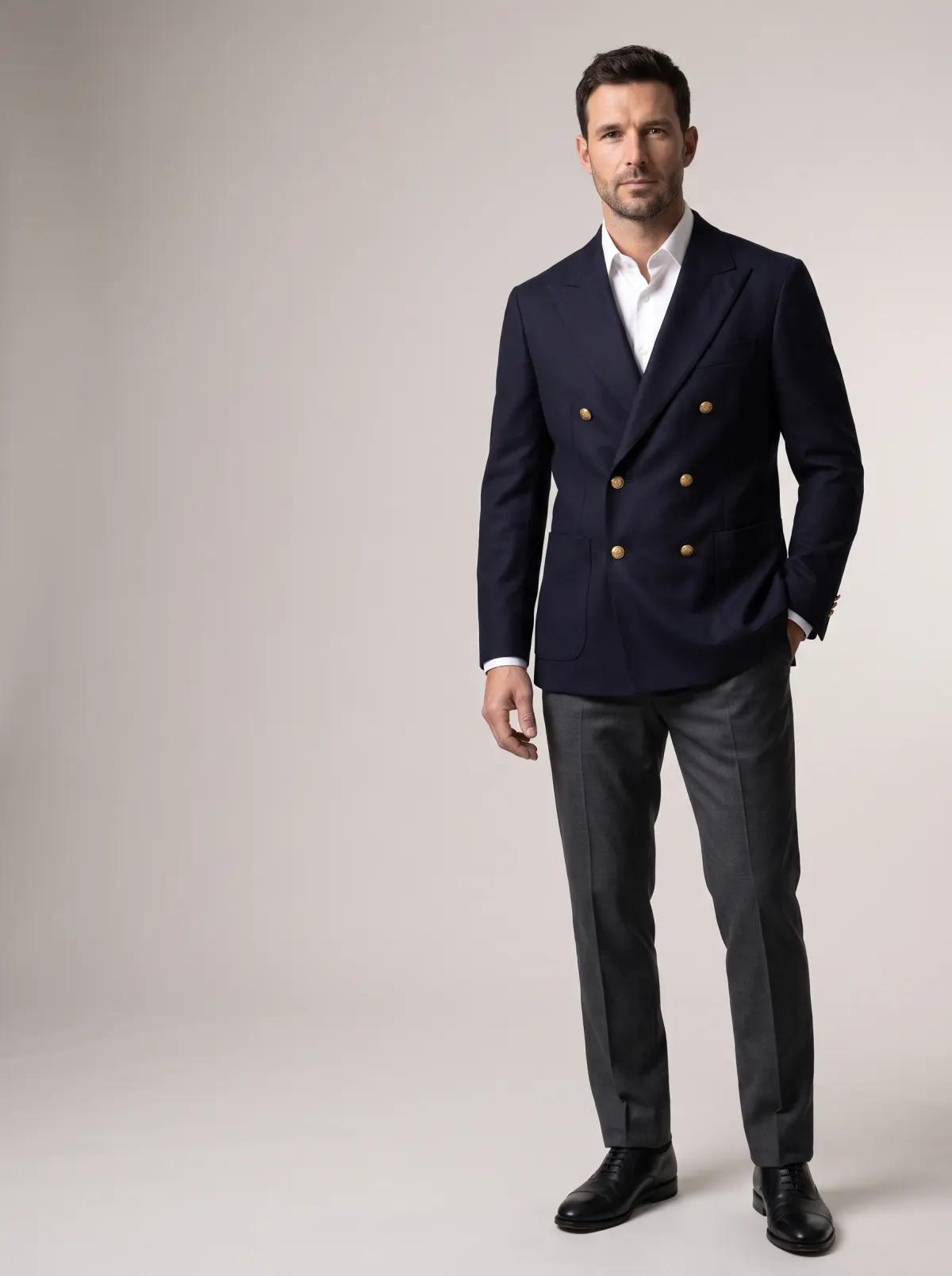
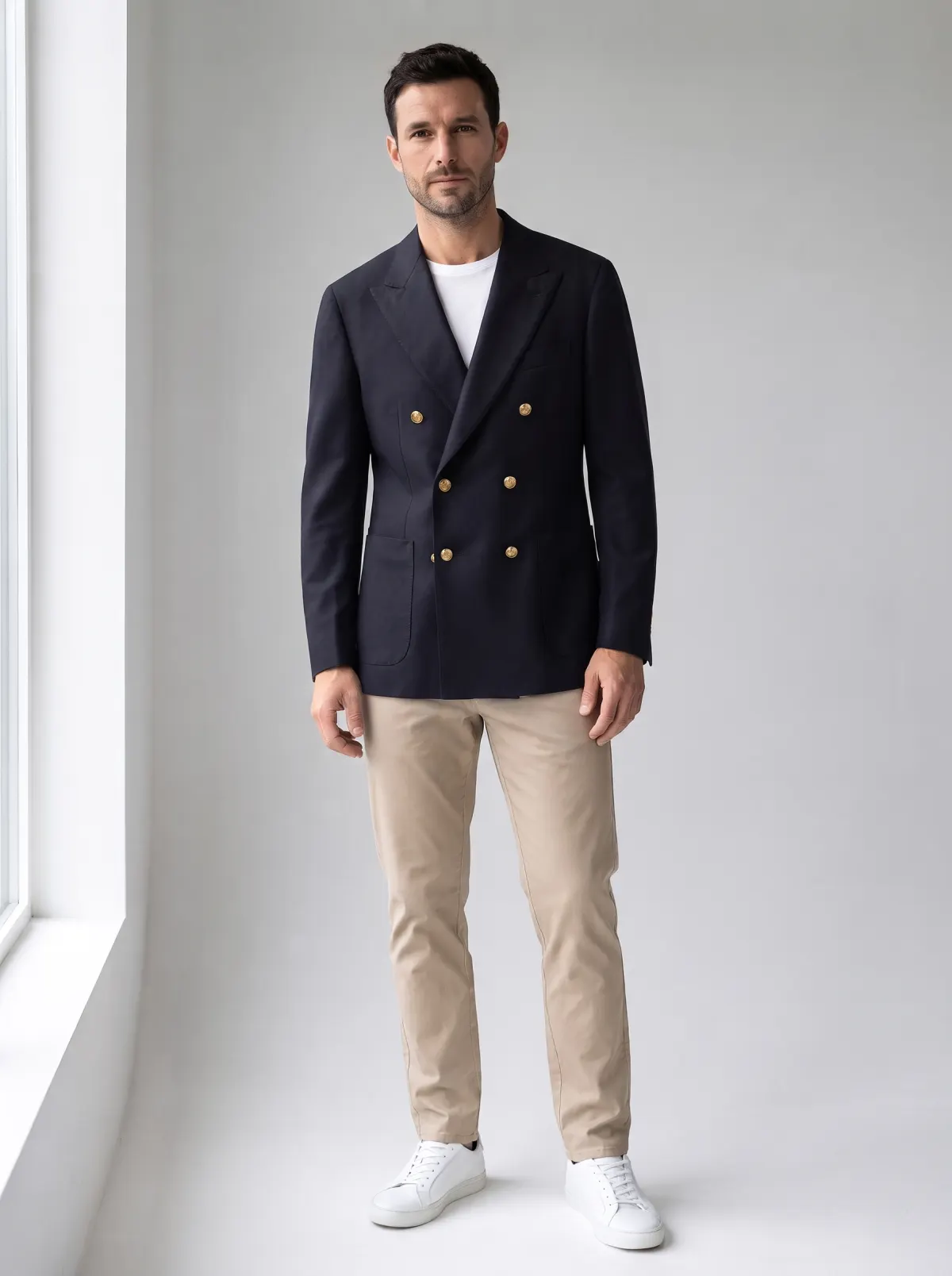
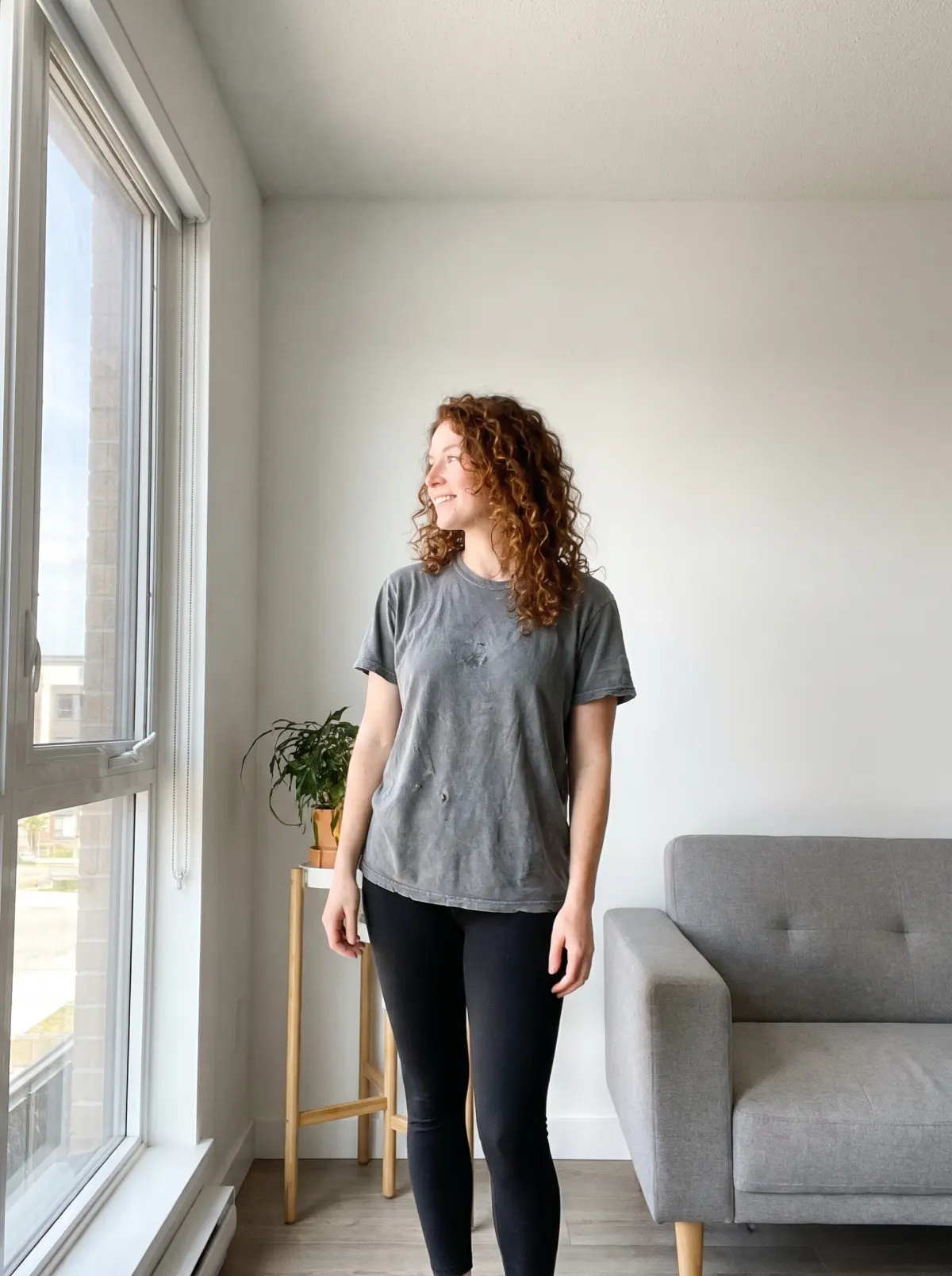
Every image on this page was generated by the TryOnSwap studio from the inputs shown with it.
01 — Change clothes in a photo
Swap one garment
Keep the person, pose and light. Replace what they wear with your garment reference — front, back and side angles help.
02 — AI outfit generator
Style a full outfit
Combine outerwear, top, bottom, shoes and an accessory. Each piece takes its own wearing note — “coat open”, “knit tucked in”.
In swap mode, add a second model photo and the garment goes onto that person instead — face, hair and pose from the new photo. Add a prop photo and a line of text to replace the bag, hat or shoes in the scene too.
Five pieces, each with a wearing note
Styling mode takes outer, inner, bottom, shoes and an accessory together. Every piece carries its own note — "zip open", "hem 3–4 cm below the jacket", "tucked in" — so the look is styled, not just layered.
Scene briefs, not backdrops
Each of the six scene presets is a full photographic brief: setting, lighting, camera and lens, composition, pose, atmosphere, skin and finish. Custom scene lets you write the brief yourself.
Angles, variations and refinement
Give the garment front, back and side reference photos in one run. Ask for up to ten variations of the same brief, then refine any result with a one-line instruction.
Pricing
Pay per image. Credits never expire.
A basic image costs 4 credits. Verify your email for 12 free credits — no card required. Failed images are refunded automatically.
An AI clothes changer creates a new image of a person wearing clothing from a reference photo. With TryOnSwap, upload an adult model photo and your garment images, then choose a single-garment swap, full-outfit styling or a new scene.
Do I need a clothing photo, or can I use only text?
A person photo and at least one clothing reference image are required. Text can add scene, styling or refinement instructions, but it does not replace those photos. TryOnSwap is a reference-photo try-on workflow, not a text-only outfit generator.
Can I change a dress, a top or a complete outfit?
Yes. Use a dress or one-piece reference, a top or bottom reference, or combine up to five pieces in styling mode. Provide clear garment photos and choose the mode that matches what you want to change.
Does virtual try-on show the exact fit or size?
Virtual try-on here is a visual preview, not a measurement or sizing tool. Generated details can differ from the original garment. Check the result against your product photos and size information before using it in a listing or making a purchase.
Can I use the AI clothes changer free?
Yes. Verify your email to receive 12 free credits — enough for up to 3 basic images. No card is required. New-account trial previews include a watermark; your first purchase of any credit pack unlocks original downloads for those images at no extra charge.
What happens if a generation fails?
You're not charged for it. If a generation fails for any reason — including a rejection by the AI provider's safety checks — the credits for that image are refunded to your balance automatically.
Are my photos and results private?
Yes. Uploads and generated images are stored privately under your own account prefix and are only reachable through your signed-in session or a short-lived signed link used to run the generation. We don't publish your photos anywhere.
Can I use the generated images commercially?
Yes, for lawful product listings and ads under our Terms, including your Etsy, Shopify or independent store. You must have permission to use the person and garment photos. Check the generated clothing against the real product before publishing; commercial permission does not guarantee product accuracy.
What kind of photos work best?
A clear, front-facing photo of the model, and one or more garment photos — front, back and side angles help. Good lighting and a plain background give the most consistent results.
Whose photos can I upload?
Only your own, or photos you have the rights to use — including the consent of anyone whose face or likeness appears in them. Photos of anyone under 18 are not allowed.
Can I change the model as well as the outfit?
Yes. In swap mode, upload a second model photo and the garment is placed on that person instead, keeping the original composition. You can also upload a prop photo with a short description to replace an item in the scene, such as a bag.
Can I control how each piece of an outfit is worn?
Yes. Styling mode accepts up to five pieces — outer, inner, bottom, shoes, accessory — and each one takes its own wearing note, for example "jacket zipped halfway" or "trousers tucked into the boots".
Is there a subscription, and do credits expire?
No subscription. Credit packs are one-time purchases and the credits never expire — use them whenever you need a try-on.
Are the homepage examples actual TryOnSwap results?
The images labeled Generated with TryOnSwap are example outputs paired with their reference inputs. They are demonstrations, not customer testimonials or a guarantee of identical results. Inspect the clothing details in your own generated images before using them.
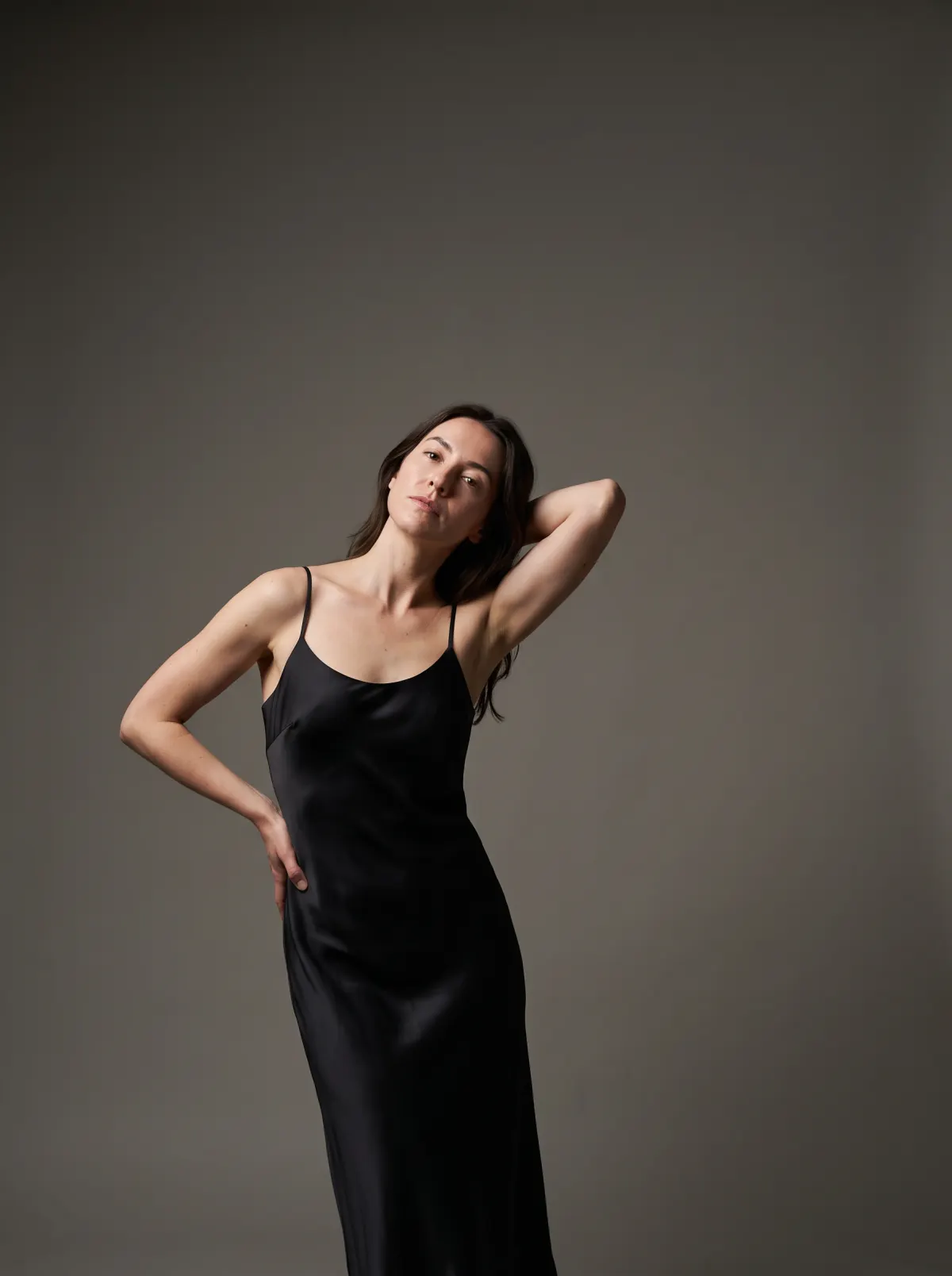
 Model
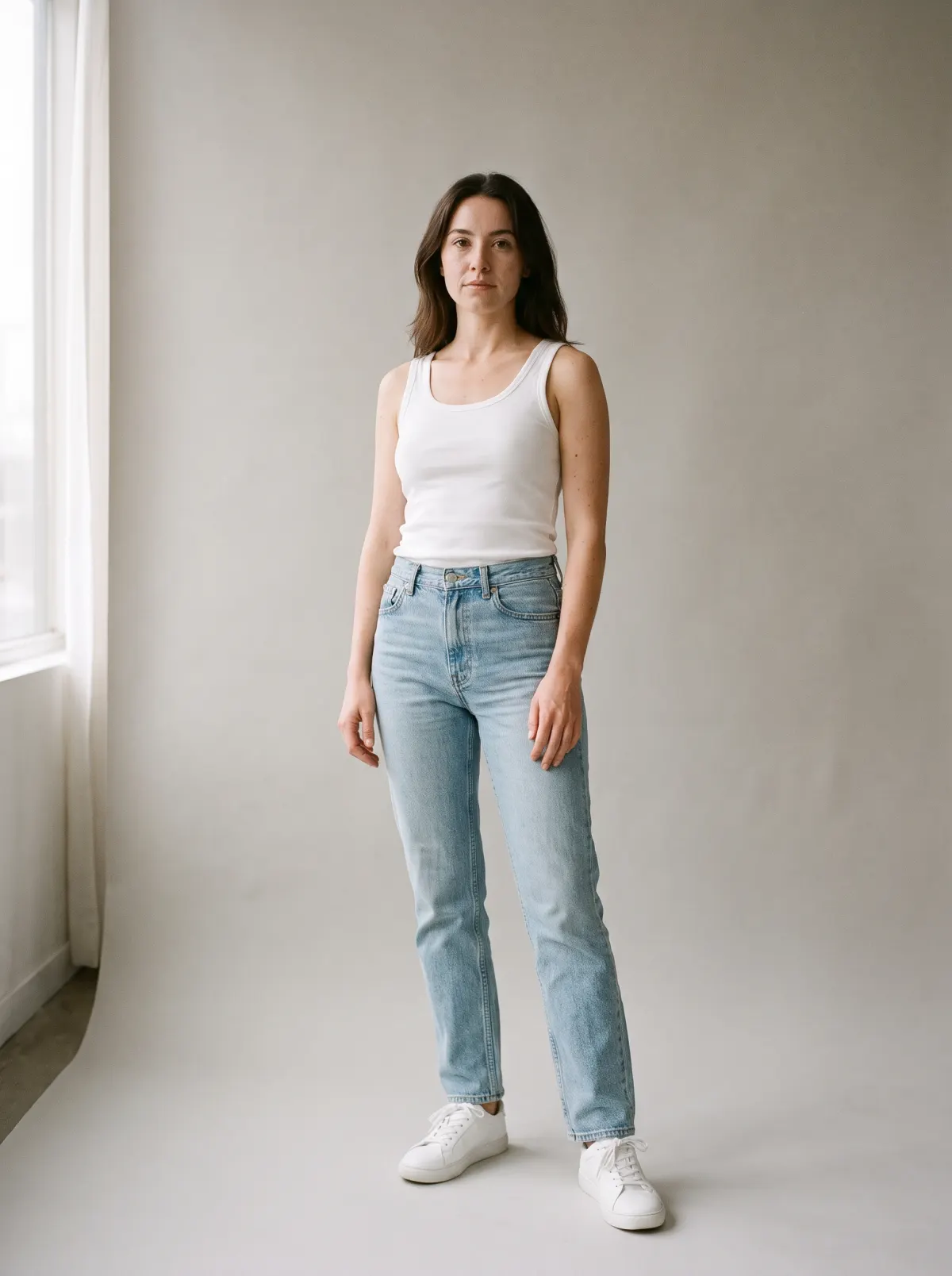
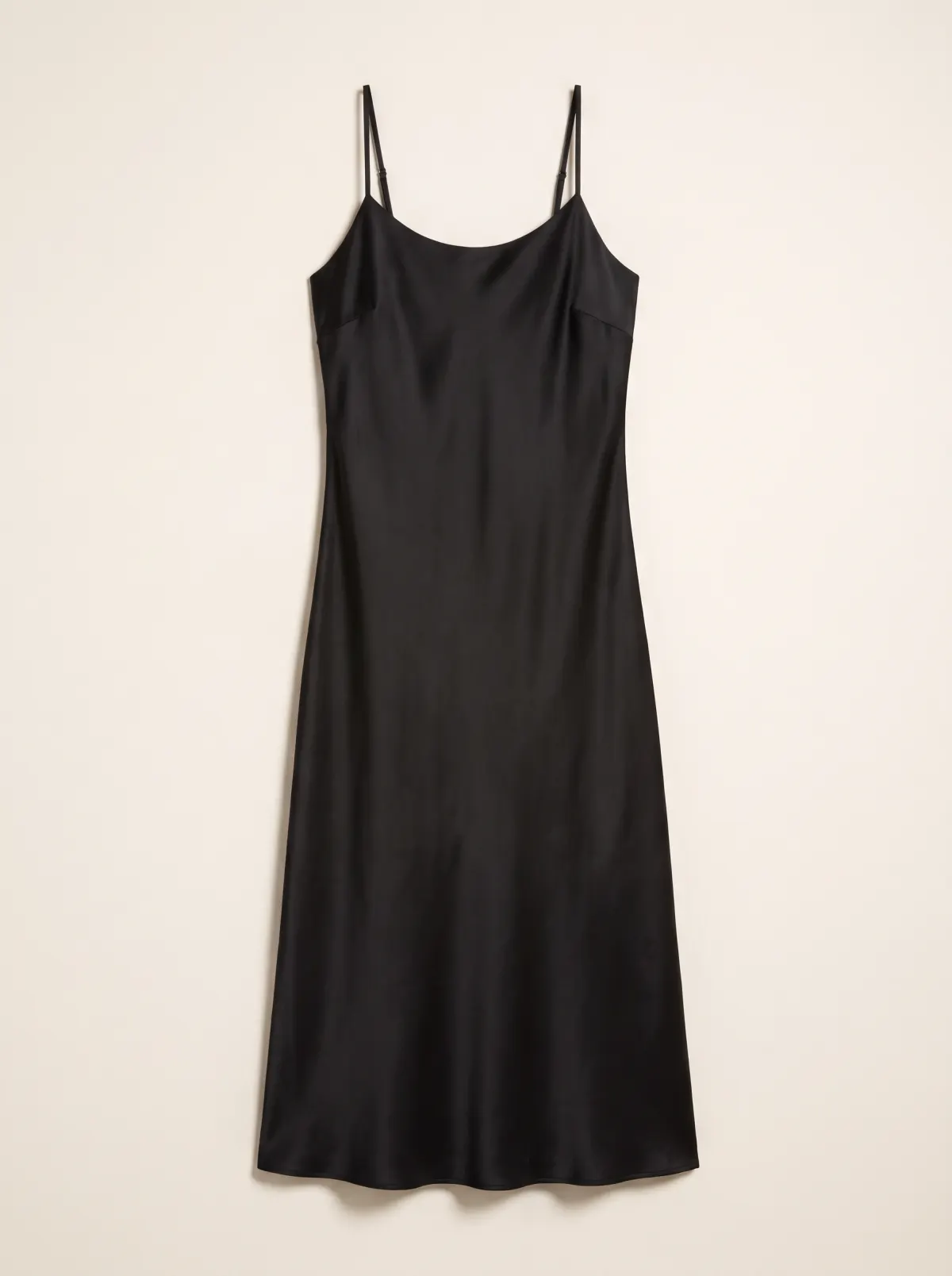 Garment